Manual Takeoffs: The Time Sink Every Estimator Knows
If you've ever spent hours tracing walls on PDF drawings, you know the pain. Manual takeoffs are slow, error-prone, and frankly, outdated. For a mid-sized project, this process can consume significant time—estimators working full-time just to get quantities like room areas, wall lengths, or door counts. And that's before you even start pricing.
Why is it still this bad? Because most teams are stuck using tools that weren't designed for speed. Bluebeam, while great for quick markups, still requires manual measurement. Add in the inevitable PDF quirks—missing scales, warped drawings—and you're looking at a productivity bottleneck that's hard to justify.
The AI Takeoff Solution: Cutting Time, Not Corners
This is where AI-powered tools come in. These tools significantly reduce drawing takeoff time by automating repetitive tasks. Here's how:
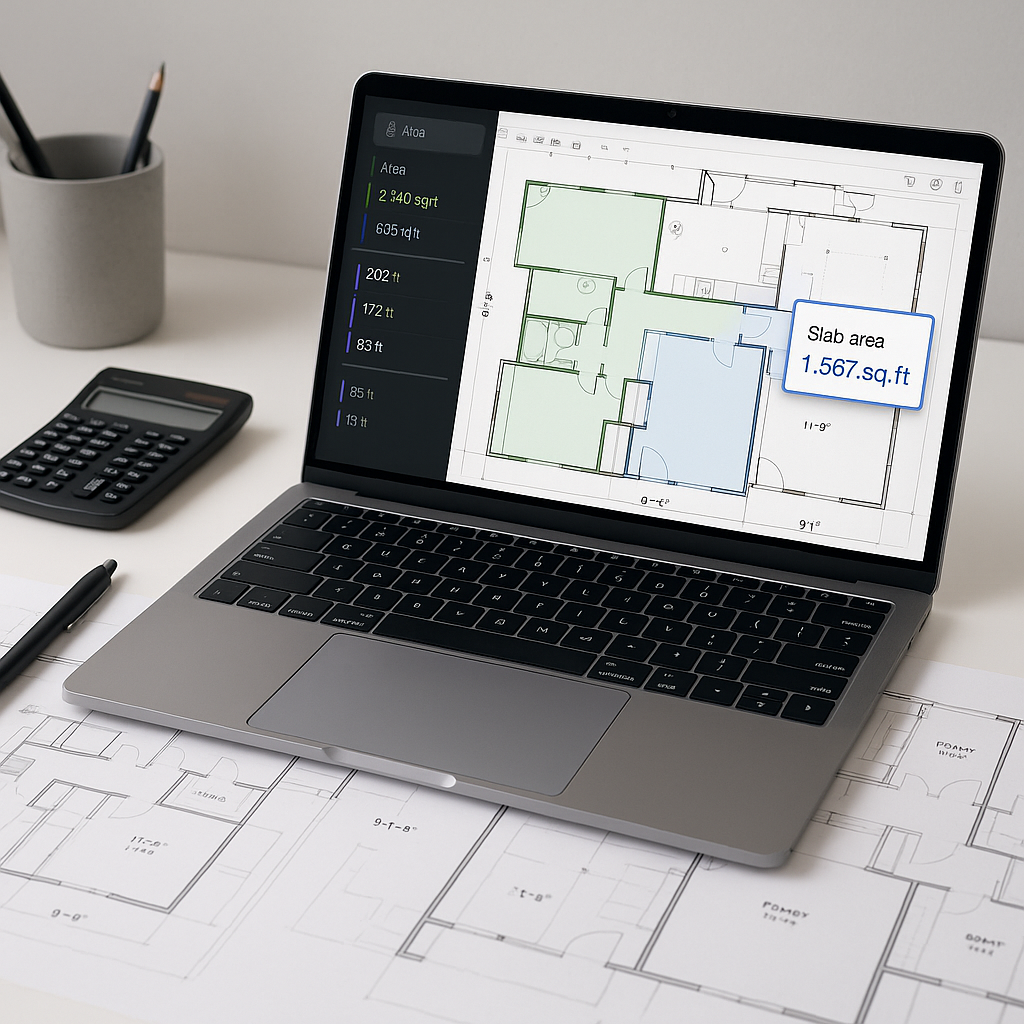
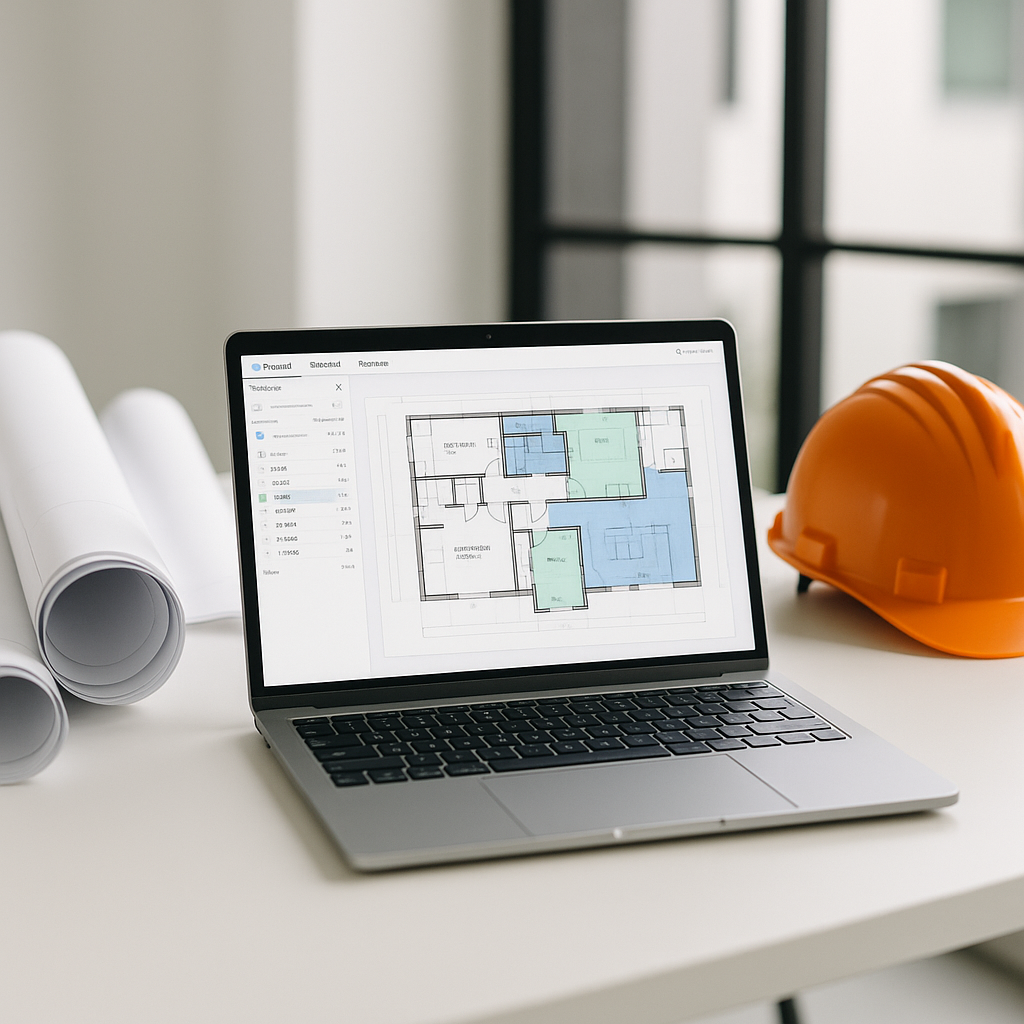
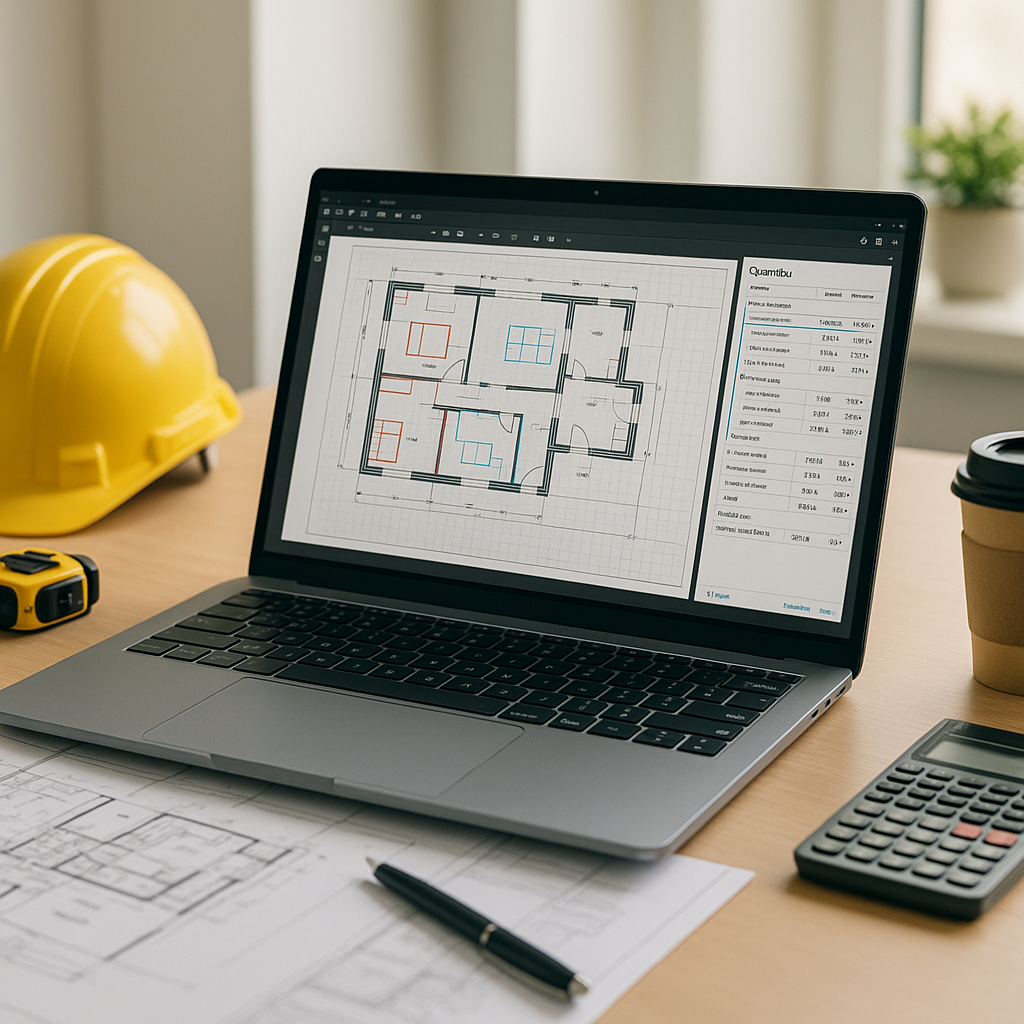
- Automated Quantity Extraction: Upload your PDF drawings, and the AI scans them for measurable elements like room areas, wall lengths, and counts for doors/windows. It uses advanced algorithms to identify and extract quantities, even from scaled or distorted PDFs.
- Flagging Areas for Review: The AI highlights areas where manual review is needed. For example, if it can't confirm the scale on a particular page, it lets you override with a simple adjustment.
- Revision Handling: Got a revision? Upload the new set, and the AI automatically compares changes, updating quantities without redoing the entire takeoff.
AI tools are designed to assist, not replace, human expertise. They amplify your efficiency while still requiring oversight to ensure accuracy.
Why Accuracy Still Matters
You might be thinking, "But AI can't think like an estimator." That's true—it doesn't replace your expertise; it complements it. AI tools include manual override options and audit trails, so you can review and adjust as needed. Accuracy depends on the quality of input data, so human oversight is still essential.
For example, if a vendor's drawing includes mislabeled sections (a common issue), the AI won’t magically fix it. But it will flag discrepancies for review, saving you hours of detective work.
Practical Steps to Adopt AI Takeoff Tools
If you’re considering AI for takeoffs, here’s how to get started:
- Start Small: Don’t begin with a large-scale bid. Test the tool on smaller projects to get a feel for its capabilities and limitations.
- Train Your Team: While most AI tools are intuitive, training ensures everyone uses the software efficiently. Many platforms offer onboarding resources to help teams get up to speed.
- Integrate with Existing Tools: Look for solutions that work with your current stack—Bluebeam, Procore, Excel, etc. Many AI tools offer API integrations for seamless workflows.
Common Mistakes to Avoid
- Skipping Manual Review: AI isn’t 100% perfect. Always review flagged areas and spot-check high-value quantities.
- Ignoring Revision Comparisons: If your workflow includes frequent drawing updates, make sure the tool you choose can handle revisions intelligently. This feature alone can save significant time.
- Overestimating ROI Too Early: AI tools get smarter with feedback. Don’t expect peak efficiency on your first project—users often see improvements after gaining experience with the tool.
FAQ
Q: Can AI handle custom drawings or non-standard layouts?
A: Yes, most AI tools can adapt to diverse layouts. The key is providing clear input data and reviewing flagged areas.
Q: What happens if the AI misinterprets a quantity?
A: Flagged areas allow you to manually correct errors, ensuring you maintain control over accuracy.
Q: Is AI takeoff more expensive than manual methods?
A: AI tools are often cost-effective compared to the labor costs of manual takeoffs, especially when considering time savings.
The Bottom Line
Manual takeoffs are a relic of the past. AI-powered tools not only save time but also help estimators focus on higher-value tasks like pricing strategy and subcontractor negotiations.
If you're tired of wasting hours on manual takeoffs, consider exploring AI-powered solutions to streamline your workflow and improve efficiency.