The Slow Grind of Manual Takeoffs
Every estimator knows this pain: the drawing set arrives as a flat PDF. No quantities, no schedules. Just lines on a page and a clock ticking. You sit down with a ruler (or maybe Bluebeam), calibrate every page, and start tracing walls, counting doors, and measuring areas. It’s painstaking work. For a mid-sized project, this can take significant time and effort.
Now multiply that across multiple GMP pursuits per year. That’s a substantial amount of time just on takeoffs. And let’s be honest, the chances of human error—missed dimensions, duplicate counts—are high. It’s the kind of task that makes you ask: isn’t there a better way?
The AI Solution: Vision AI Takeoffs
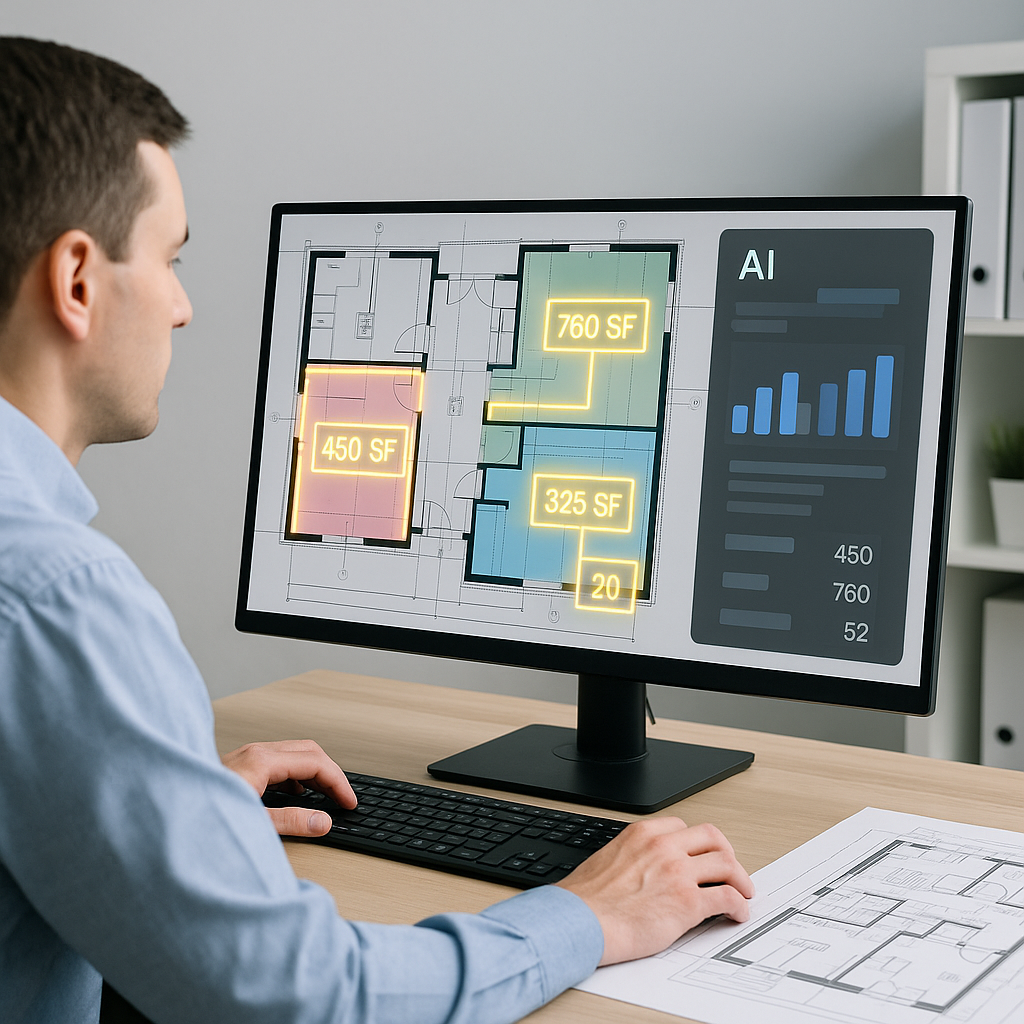
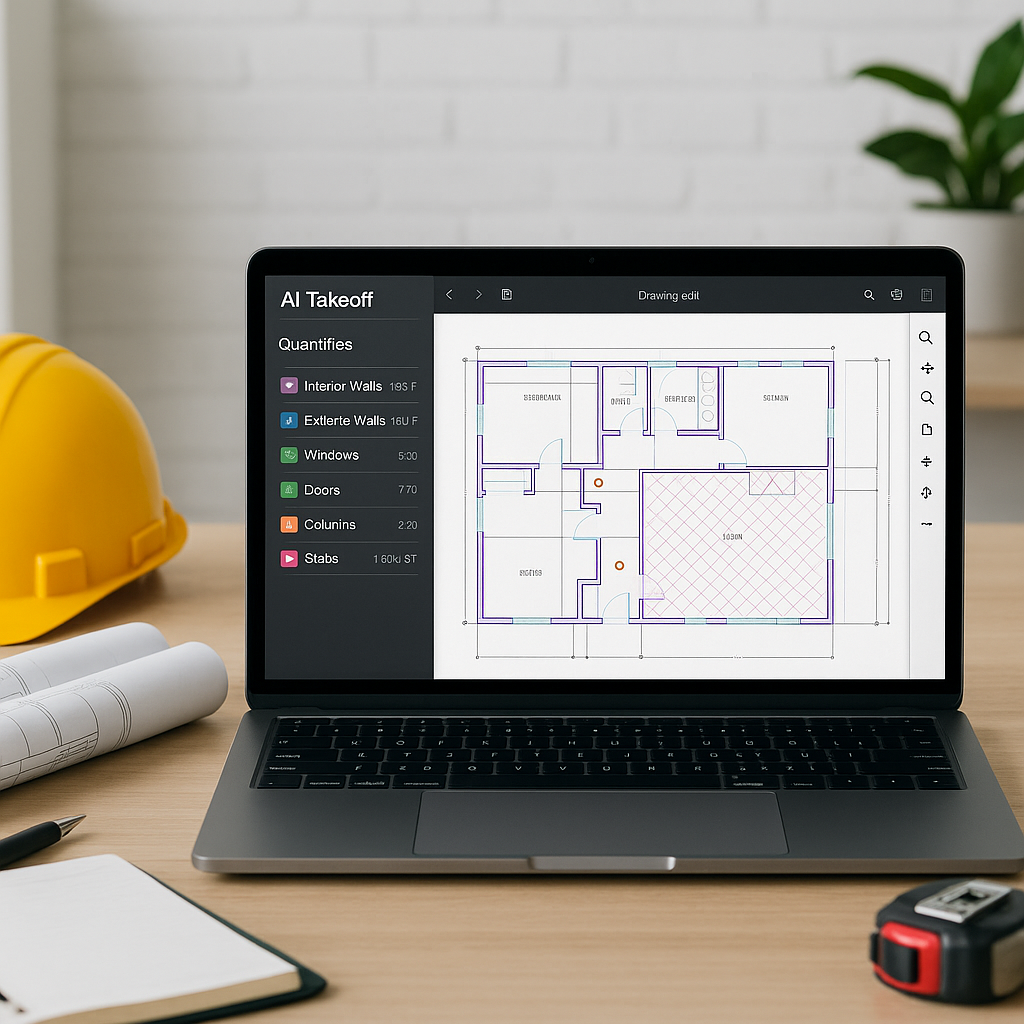
AI-powered tools like EstimateNext are changing the game. Their Vision AI can extract quantities directly from PDF drawings. Walls, windows, doors, room areas—it reads the drawing like a trained estimator and pulls everything into a structured QTO in minutes.
Illustrative example — A general contractor using Vision AI completed a takeoff in a fraction of the time it would have taken manually. The AI flagged areas requiring manual review, allowing the estimator to focus on adjustments rather than starting from scratch.
How It Works
Here’s the step-by-step:
- Upload Your Drawing Set: Drop your PDFs into the platform. Vision AI handles flat files, scanned images, and even revisions.
- Calibration: Define the scale once, and it applies across all pages. No need to recalibrate for every sheet.
- Automatic Extraction: The AI identifies quantities like room areas, wall lengths, and fixture counts. It even categorizes items into CSI MasterFormat or other standards.
- Review and Adjust: Anything flagged as “low confidence” gets highlighted for manual review. You can override, remeasure, or add missing items.
- Export: The final QTO can be exported to Excel, Procore, or your estimating software.
Benefits of AI-Powered Takeoffs
The obvious benefit is time savings. By automating repetitive tasks, estimators can focus on higher-value activities like refining cost assumptions or strategizing bids. Faster takeoffs also mean you can bid on more projects without adding staff. And with fewer errors, your estimates become more competitive.
For smaller firms, this is even more critical. Missing a bid deadline because the takeoff wasn’t ready? That’s a missed opportunity. AI tools compress the timeline, giving you breathing room.
Common Skepticisms
“You might be thinking, ‘AI can’t think like an estimator.’” True, AI doesn’t replace your judgment. It won’t decide whether to apply a custom rate or adjust for site-specific conditions. But it does handle the grunt work—the tracing, counting, and measuring—so you can focus on high-value decisions.
Another pushback is accuracy. AI tools rely on the quality of the input data. If your drawings are incomplete, the output will be too. That’s why features like confidence scoring and manual overrides are critical. They integrate human expertise with machine efficiency.
FAQ
Q: Can AI handle complex drawing sets?
A: Yes, tools like EstimateNext support multi-layer PDFs, scanned images, and revised drawing sets. Calibration ensures accuracy across all pages.
Q: What happens if the AI misses something?
A: Low-confidence areas are flagged for manual review. You can add or adjust quantities directly.
Q: Does this work for small projects?
A: Absolutely. AI scales to any project size, from a small renovation to large infrastructure projects.
Q: How does this integrate with my current tools?
A: You can export results to Excel, Procore, or other estimating platforms via API integrations.
Call to Action
If manual takeoffs are slowing your team down, AI-powered tools can help. Get started free →