Manual Rate Lookup Is Killing Estimators
If you’ve ever spent hours flipping through a 2,000-page RSMeans or CPWD DSR catalog to find a single rate, this will hit close to home. Rate lookup isn’t glamorous, but it’s critical. One wrong line item can sink your bid. Yet, the process is painfully slow—even worse if you’re dealing with multiple catalogs or custom rates.
Traditional methods waste time. Estimators often spend significant hours per bid just hunting for rates. That’s time you could spend refining scope, negotiating with subs, or strategizing your markup.
So, what’s the fix? AI-powered rate matching.
How AI Rate Matching Works
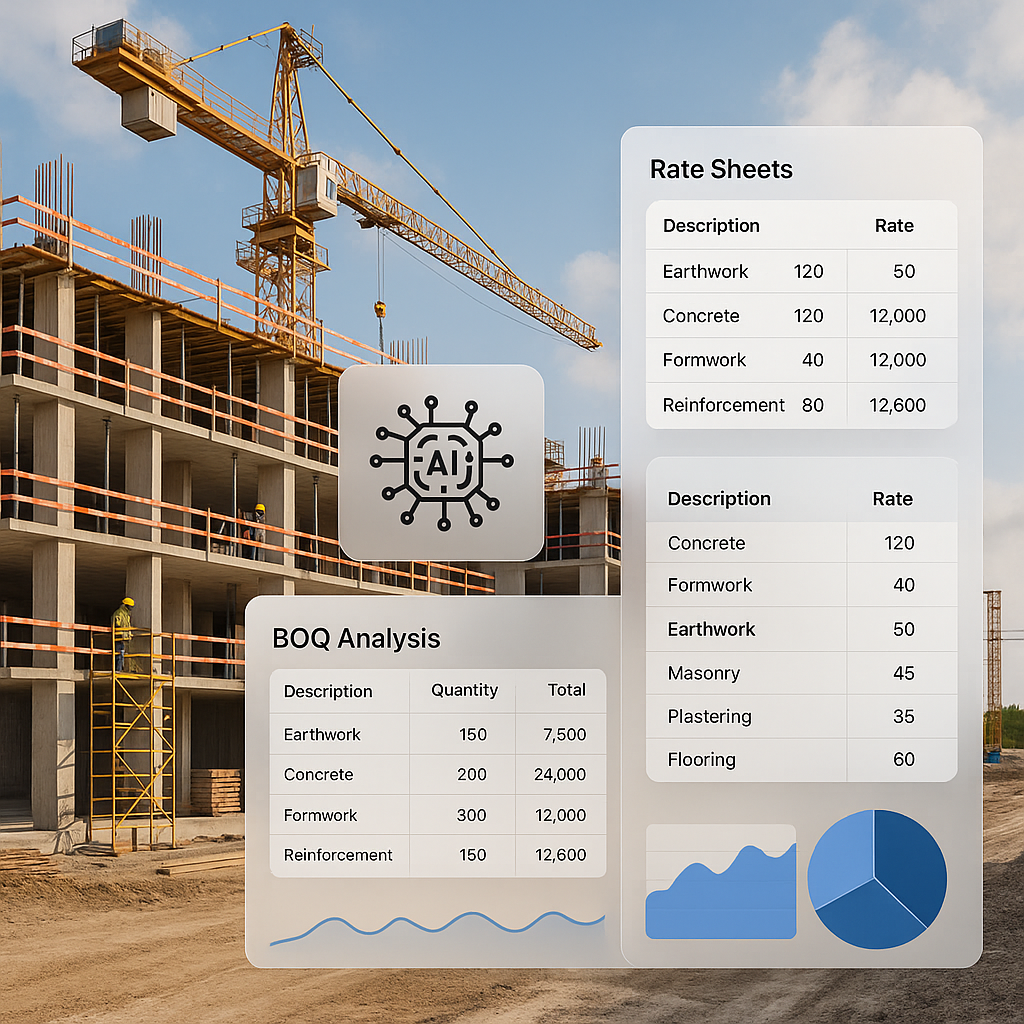
AI rate matching tools cut out the busywork. Instead of manually searching through PDFs or spreadsheets, you upload your BOQ, and the AI does the heavy lifting. Here’s the step-by-step breakdown:
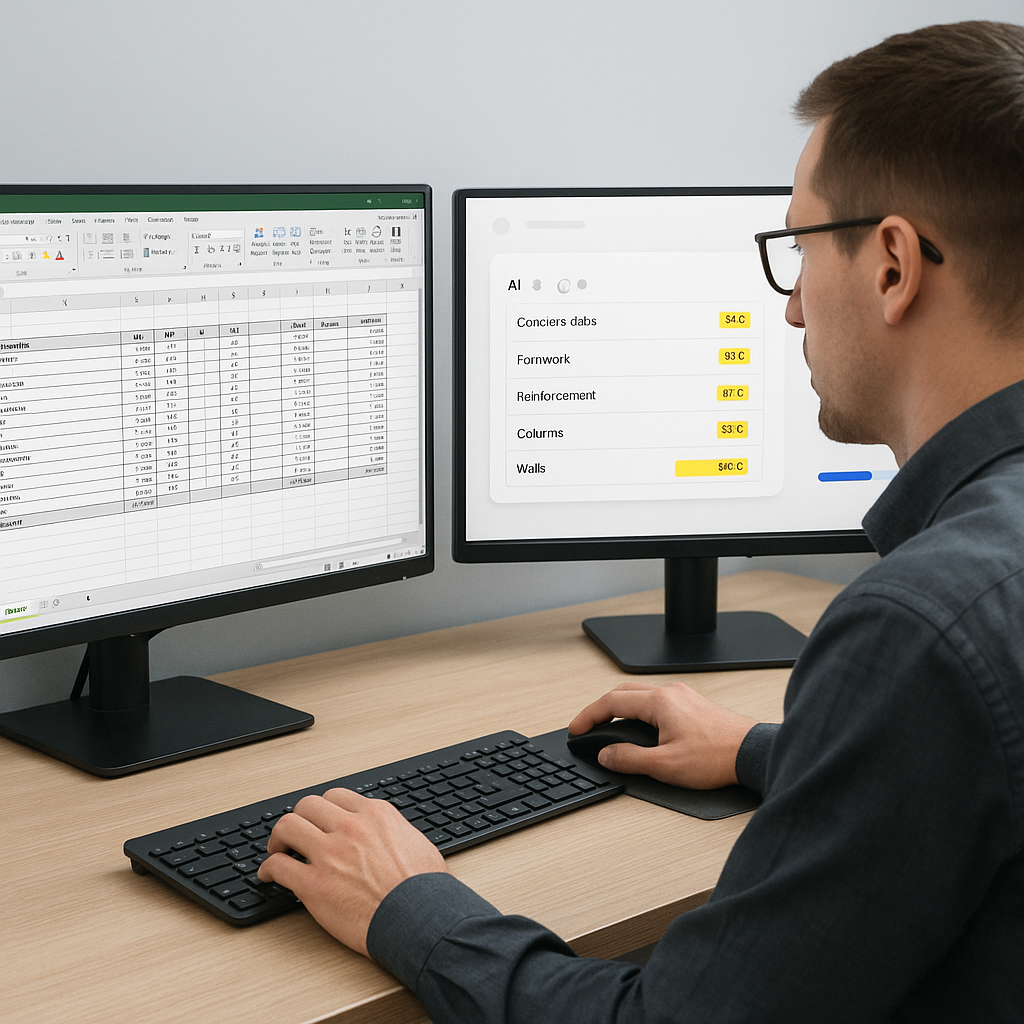
- Upload Your BOQ: Whether it’s Excel, CSV, or ODS, the tool parses the file automatically—even messy ones with merged cells or inconsistent formatting.
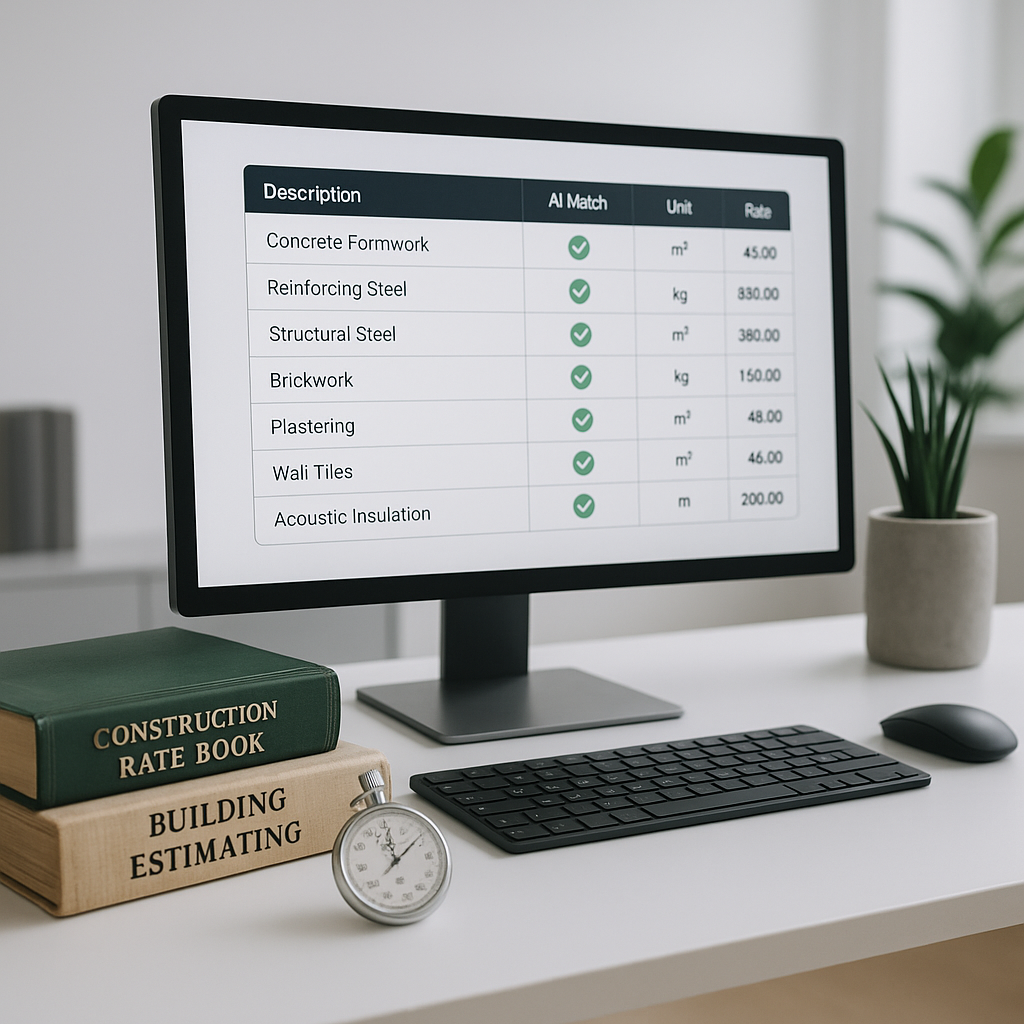
- Semantic Search: The AI scans your BOQ and matches items against a large database of SOR entries across catalogs like RSMeans, CPWD DSR, and more. Need the labor rate for installing pre-stressed concrete girders? Type it in, and you’ll get a match in seconds.
- Custom Catalog Integration: Got custom materials or finishes? Add them to your catalog. The AI learns and integrates them seamlessly for future use.
- Audit Trail: Every match comes with a breakdown—materials, labor, equipment—plus inflation adjustments if needed. You can review or override any suggestion.
This process isn’t just faster—it’s smarter. AI tools improve their accuracy over time through self-learning feedback loops.
Why It Matters
Here’s why AI rate matching isn’t just a time-saver—it’s a game-changer:
- Speed: Hours of manual lookup shrink to seconds. This allows teams to focus on higher-value tasks like refining project scope or negotiating with subcontractors.
- Accuracy: Human error is inevitable when you’re flipping pages or copy-pasting rates. AI minimizes this risk with precise matches and audit trails.
- Scalability: Whether you’re pricing a small renovation or a large infrastructure project, the system scales effortlessly. No extra payroll needed.
- Trust: Clients and subs trust detailed, transparent estimates. AI builds that trust by breaking down each rate and showing its source.
Common Objections
“AI Doesn’t Understand Construction Nuances”
You’re right—AI doesn’t replace your expertise. It amplifies it. You’re still the one making judgment calls, negotiating with subs, and deciding on markup. The AI just handles the grunt work.
“What If My Rates Are Project-Specific?”
Good question. AI tools let you upload custom rate catalogs or define specific rates for unique items. The system learns and integrates these for future projects.
“Is It Reliable for Small Projects?”
Absolutely. AI scales to any project size. Whether you’re handling a residential fit-out or a large infrastructure bid, the process remains efficient.
FAQ
Q: How long does it take to set up AI rate matching? A: Most platforms are plug-and-play. You can upload your first BOQ and get results in minutes.
Q: Can I integrate AI tools with existing software like Bluebeam or Procore? A: Yes. Many tools offer API integrations, so you can export estimates directly into your workflows.
Q: How accurate are AI-generated matches? A: AI tools improve their accuracy over time through learning algorithms and user feedback.
Q: Is human oversight still needed? A: Yes. AI doesn’t replace your expertise—it complements it. You’ll still review matches and make final calls.
What To Watch For
- Input Quality: Garbage in, garbage out. If your BOQ is poorly formatted, the AI might struggle to parse it.
- Edge Cases: Highly specialized items may require manual input or custom catalog updates.
- Training: While most tools are intuitive, you’ll need to train junior estimators to use them effectively.
Actionable Takeaway
AI rate matching is no longer a luxury—it’s a necessity for modern preconstruction teams. If you’re tired of wasting hours on manual rate lookup, it’s time to upgrade.