The Hidden Cost of Manual Takeoffs
Manual takeoffs can be a significant drain on time and resources. Preconstruction estimators often spend hours analyzing PDF drawings, tracing beams, measuring walls, and counting windows. This process is not only time-consuming but also prone to errors. A missing dimension or a miscount can throw off an entire estimate, which is critical when bidding on high-value projects.
The AI Solution: Streamlined Takeoffs
AI-powered tools are transforming the way takeoffs are performed. Instead of spending countless hours on manual processes, AI can automate much of the work. Here’s how it typically works:
- Upload Your Drawings: Drag and drop your PDF or CAD files into the tool. No need to convert formats or clean up messy files.
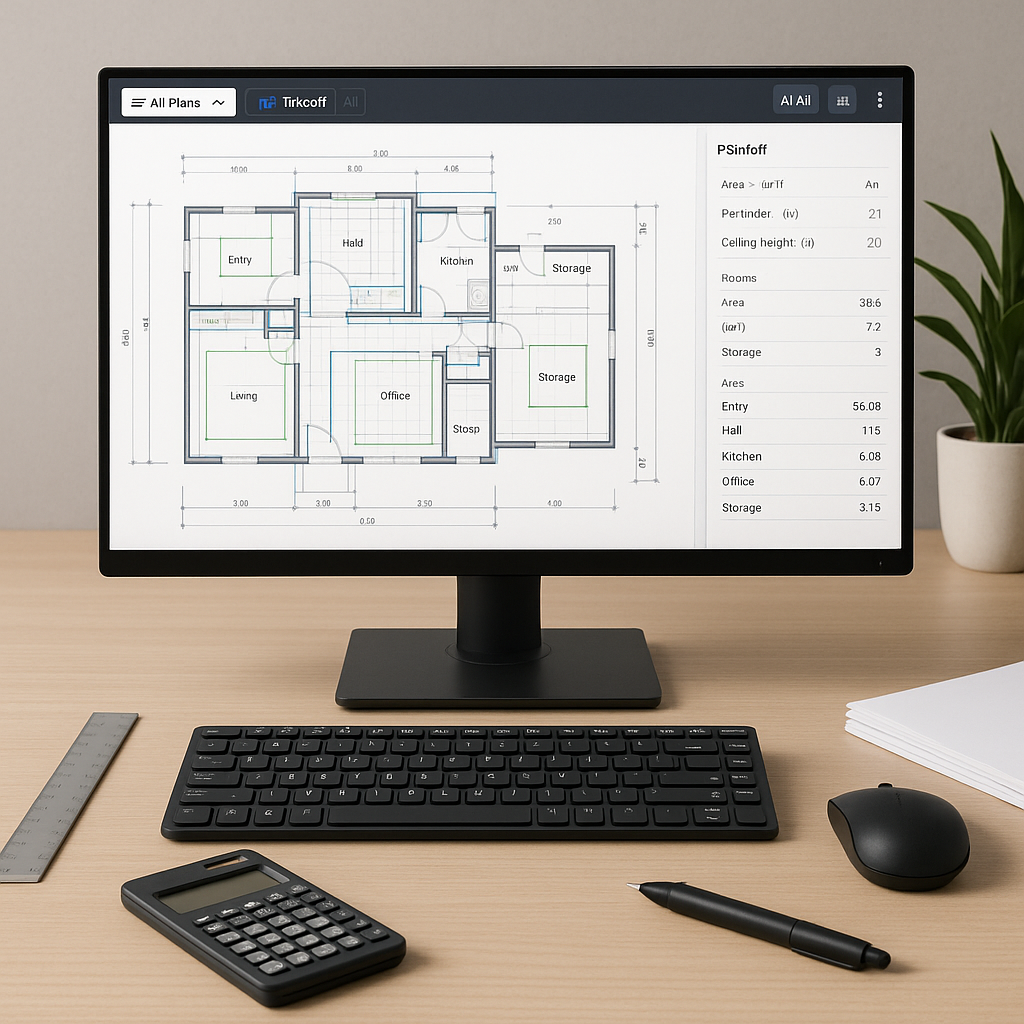
- Automated Quantity Extraction: The AI scans every page, identifying room dimensions, wall lengths, door counts, and more. It can also flag areas that require further review.
- Real-Time Collaboration: Teams can review and adjust quantities directly within the platform, ensuring accuracy and eliminating version control issues.
Illustrative example — Imagine a contractor working on a mid-sized project. By automating the quantity takeoff process, they could significantly reduce the time spent on this task, freeing up resources for other critical activities.
Why This Matters
Time saved on manual tasks can be redirected toward higher-value activities. By adopting AI tools, contractors and estimators can:
- Respond to more bids, increasing their chances of winning projects.
- Focus on strategic tasks like cost analysis and risk management.
- Deliver estimates faster, improving their reputation with clients.
The Skeptic’s Objection
Accuracy is a common concern when it comes to AI-powered tools. While no system is perfect, many AI platforms include features like flagged items for review and manual overrides. These tools are designed to enhance, not replace, human expertise. Estimators still make the final decisions, but with the added benefit of working more efficiently.
Common Mistakes to Avoid
Even with AI, there are some pitfalls to watch out for:
- Poor Input Quality: Ensure your drawings are clear and complete, as poor-quality inputs can affect the AI’s performance.
- Skipping Reviews: Always review flagged areas to ensure accuracy.
- Neglecting Training: Invest time in training your team to use the software effectively.
FAQ
Q: Is AI only for large companies?
A: No. AI tools are scalable and can be used by contractors of all sizes. Many platforms offer subscription-based pricing, making them accessible to smaller firms.
Q: Can I use AI with my existing tools?
A: Yes. Most AI platforms integrate with commonly used tools like Bluebeam and Procore, allowing you to maintain your current workflow.
Q: How do I know the AI is accurate?
A: AI tools improve with use and often include features for reviewing flagged areas, ensuring you maintain control over the final output.
Q: Does AI replace estimators?
A: No. AI is a tool that handles repetitive tasks, allowing estimators to focus on strategy and decision-making.
Final Thoughts
If manual takeoffs are consuming too much of your time, it may be worth exploring AI-powered tools. These solutions can help streamline your workflow, improve accuracy, and free up your team to focus on winning more bids and delivering better projects.