The Takeoff Problem Contractors Face
Every estimator knows the challenges of manual takeoffs. Hours are spent tracing beams, measuring room areas, or counting fixtures on drawings. For contractors managing multiple projects, this process can be time-consuming and prone to errors, especially when revisions require remeasuring everything from scratch.
Why This Process Hasn’t Changed
Estimators often rely on semi-manual tools like Bluebeam, which streamline some tasks but still require significant human effort. Tasks such as calibrating scales, measuring line by line, and manually logging quantities into spreadsheets remain labor-intensive. This is where AI-powered takeoff tools come into play, automating much of the process and reducing manual effort.
How AI Takeoffs Work
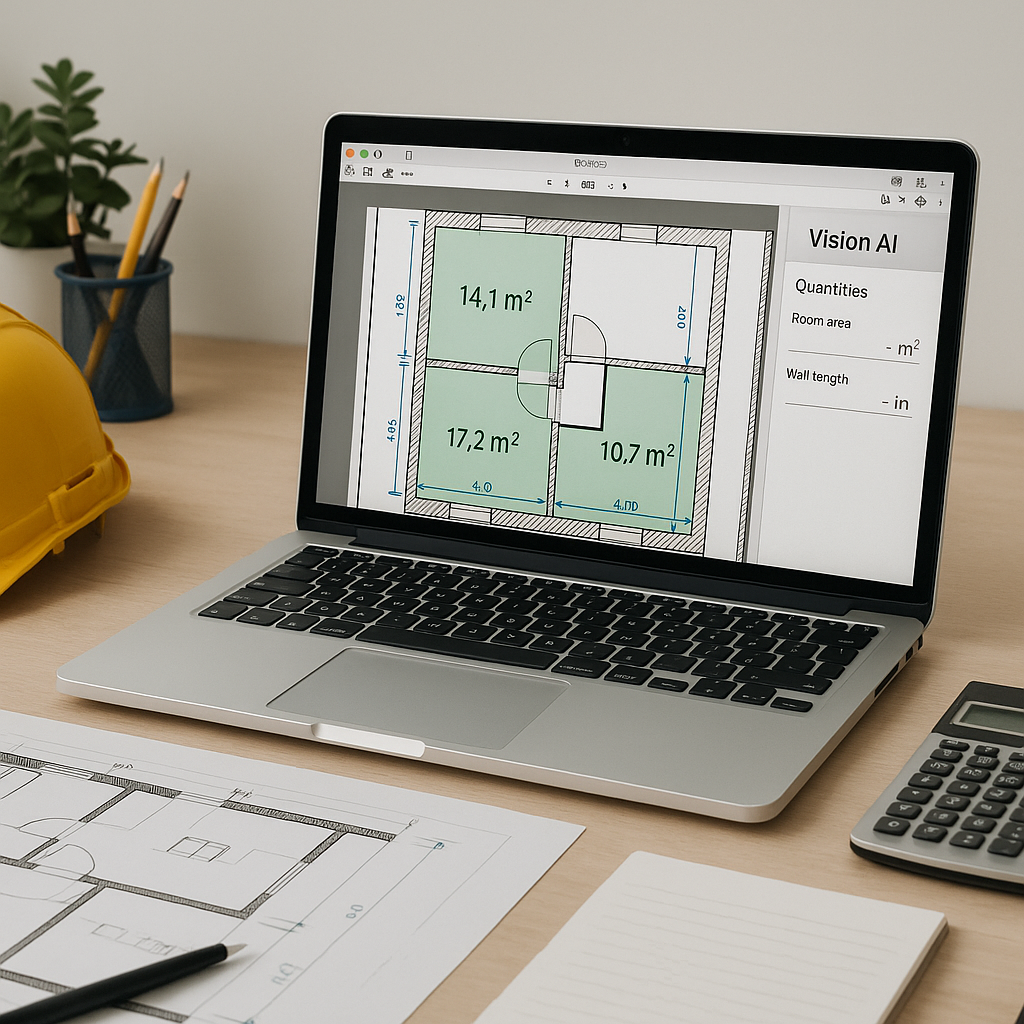
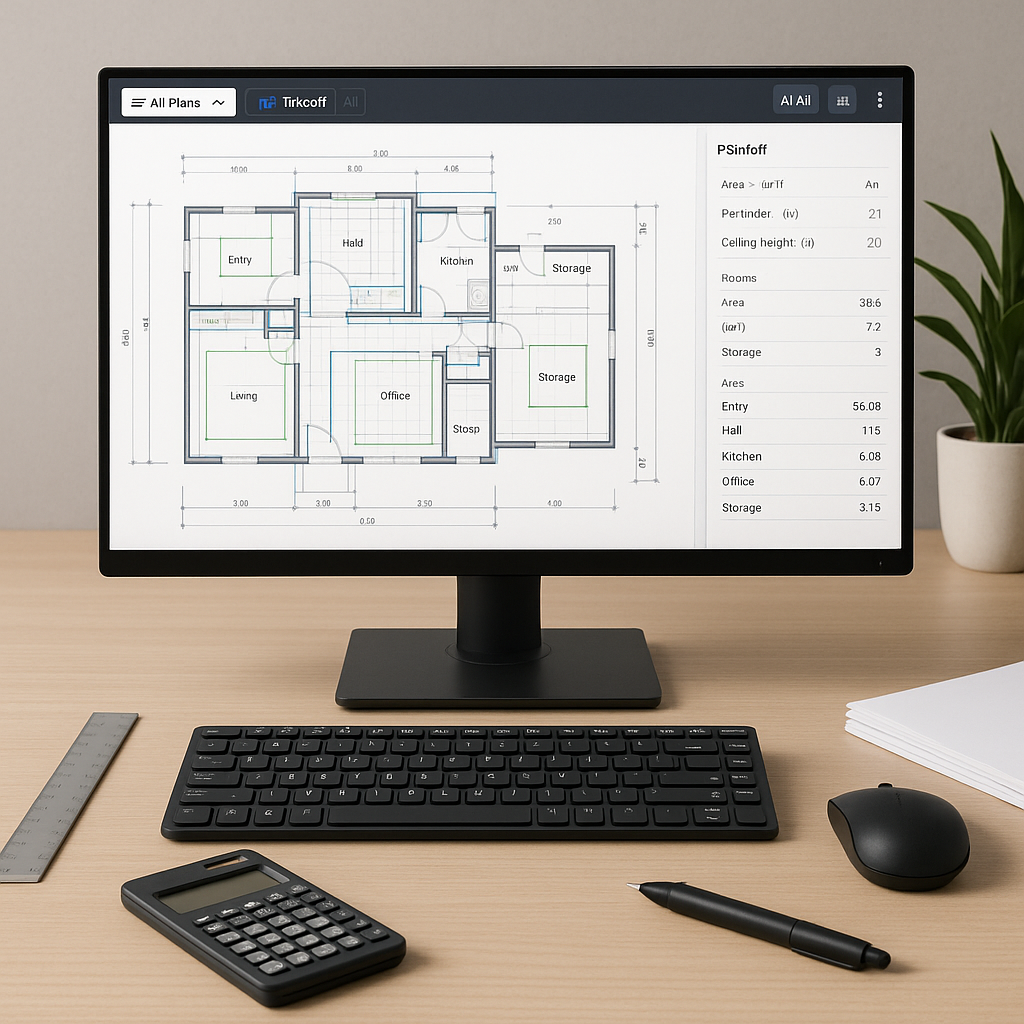
AI-powered tools analyze drawings and automatically extract quantities. By uploading a PDF or CAD file, users can quickly generate a detailed Quantity Takeoff (QTO). Advanced tools can identify room areas, wall lengths, and fixture counts, significantly speeding up the estimation process.
Illustrative example — Imagine a contractor working on a large-scale project. A manual takeoff might take multiple estimators several days to complete. With AI, the same task could be completed in a fraction of the time, allowing the team to focus on refining bid strategies and other critical tasks.
Why AI Takeoffs Aren’t Perfect (Yet)
AI tools are not without limitations. They depend on the quality of input data, such as clear and well-annotated drawings. Low-resolution or incomplete files may require manual review and adjustments. Human oversight remains essential to ensure accuracy and address unique project elements that AI might overlook.
Common Questions About AI Takeoffs
Q: How accurate are AI-powered takeoffs?
AI tools can significantly reduce discrepancies compared to manual methods. However, flagged quantities should always be reviewed for potential errors.
Q: Can AI handle complex projects?
Yes, AI tools are scalable and effective for projects of varying sizes, including large, complex bids with repetitive elements like beams, columns, or fixtures.
Q: Can AI integrate with existing software?
Many AI platforms offer integrations with tools like Procore, Bluebeam, and Excel, enabling seamless workflows.
Q: What if my rates are custom?
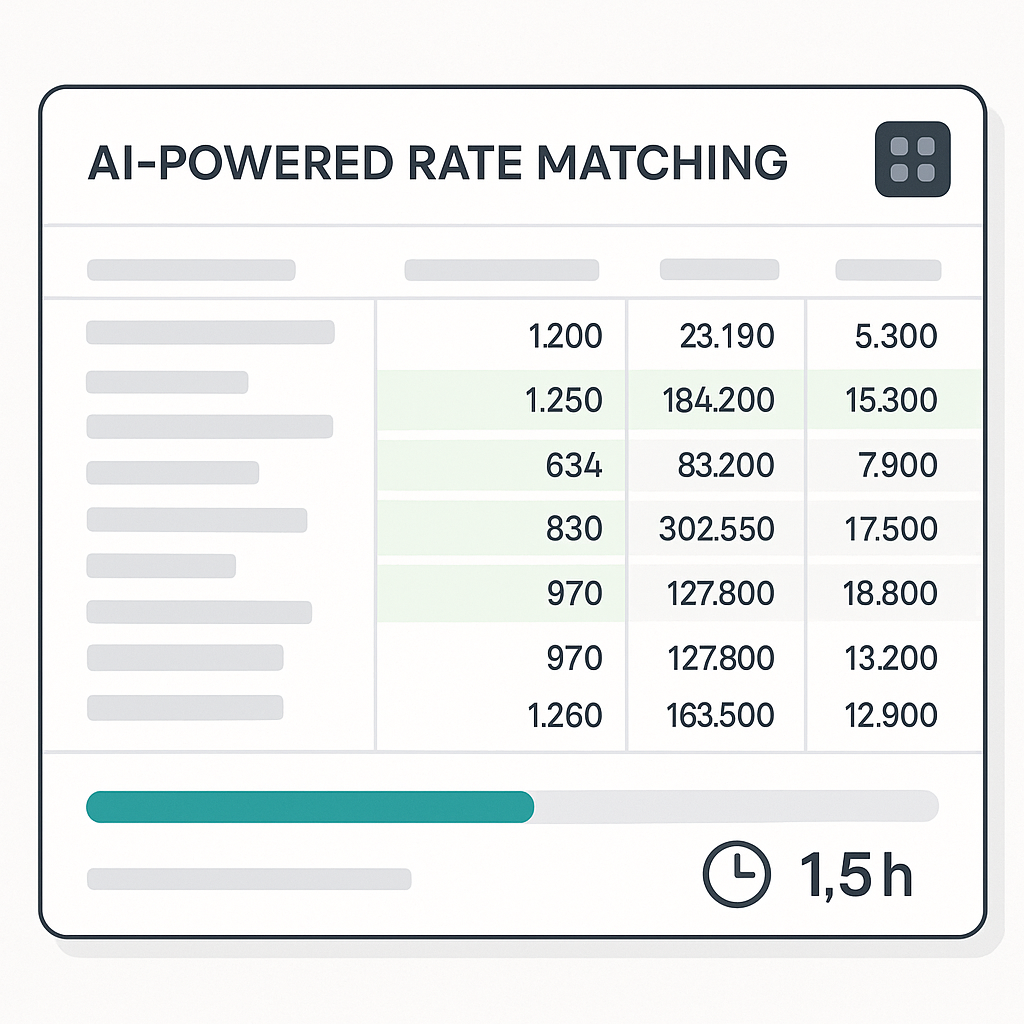
AI tools often allow users to upload custom rate catalogs or define project-specific rates to ensure estimates reflect actual costs.
What to Watch For
- Bad Input Data: Ensure drawings are clean and well-annotated to avoid errors.
- Overreliance on AI: Manual reviews are still necessary to verify results.
- Missed Edge Cases: Unique project elements may require manual adjustments.
Why This Matters
In construction estimation, time saved on takeoffs can be redirected toward improving margins, refining bids, or winning more projects. AI tools are not about replacing human expertise but about enhancing productivity by automating repetitive tasks. This allows estimators to focus on higher-value activities like negotiating with subcontractors and strategizing bids.
Explore AI-Powered Estimation Tools
If manual takeoffs are slowing you down, consider exploring AI-powered tools to streamline your estimation process. By automating time-consuming tasks, you can focus on delivering better results for your clients.