The Takeoff Problem in Construction Estimation
Every estimator knows the challenge: you receive a PDF with numerous drawings and must measure every square foot, linear foot, and fixture count manually. Then, revisions come in, and the process starts all over again. Manual quantity takeoffs are a significant time investment, especially for complex projects.
Why does it take so long? PDFs aren’t designed for measurement. You have to calibrate scales, trace every line, and double-check lengths with on-screen rulers. Human error—misclicks, missed lines, or fatigue—can further complicate the process. When revision sets arrive close to a bid deadline, the pressure intensifies.
In competitive markets, such as data centers or infrastructure, speed and accuracy are critical. Missing a deadline can mean losing the opportunity to bid altogether.
How AI Can Help
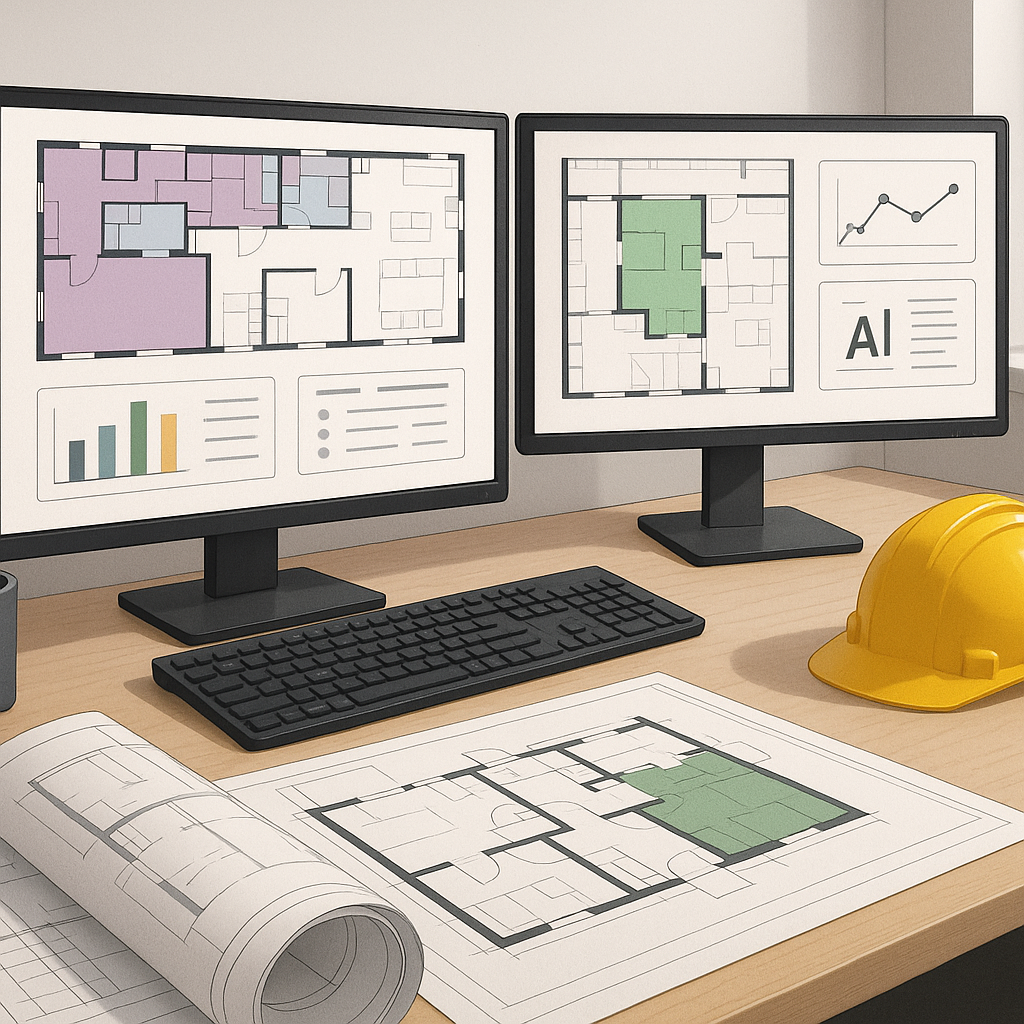
AI-powered takeoff tools aim to simplify this process by automating repetitive tasks. Instead of manually tracing every line, AI reads the drawings and extracts quantities for you. These tools can identify elements like room areas, wall lengths, and fixture counts, significantly reducing the manual workload.
Here’s how the process typically works:
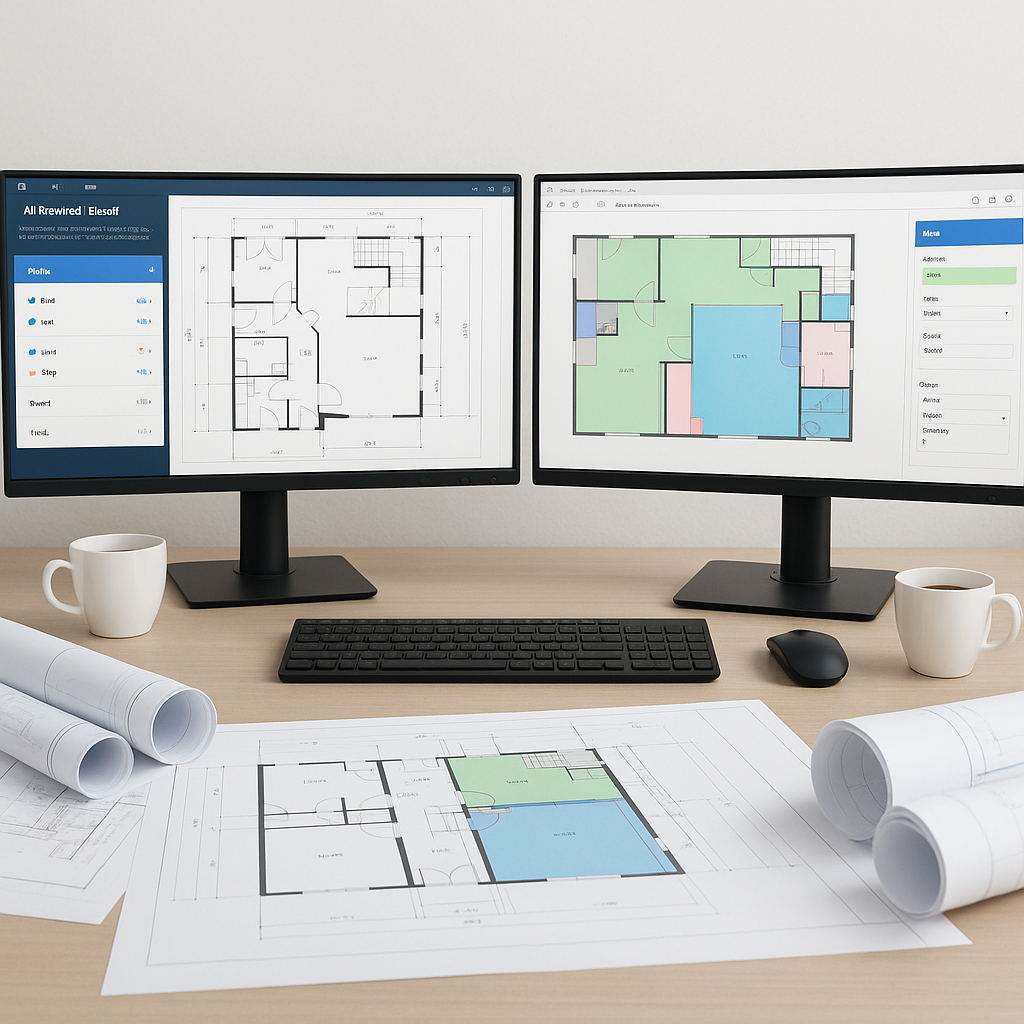
- Upload the PDF: Drag and drop your drawing set into the tool. No special formatting is required.
- Automatic Calibration: AI detects page scales and units without manual input.
- Extract Quantities: The system identifies key elements such as walls, doors, and fixtures. Advanced tools can even differentiate between load-bearing walls and partitions.
- Manual Review Options: Measurements flagged as low-confidence can be manually reviewed and adjusted.
Benefits of AI in Estimation
AI tools can reduce the time spent on repetitive tasks, allowing estimators to focus on higher-value activities like refining bid strategies or negotiating with subcontractors. While AI doesn’t replace human expertise, it complements it by handling the labor-intensive aspects of takeoffs.
Common Pitfalls to Avoid
- Overreliance on AI: Always review measurements flagged as low-confidence. AI is a tool, not a replacement for human judgment.
- Skipping Training: Invest time in training your team to use the tool effectively.
- Expecting AI to Handle Everything: AI excels at repetitive tasks but may require manual input for custom or highly specialized features.
FAQ
Q1: Is AI suitable for all project types?
AI is most effective for standard commercial construction and infrastructure projects. Highly custom designs may still require significant manual input.
Q2: Does it integrate with existing tools?
Yes. Many AI platforms export data to commonly used software like Excel, Procore, or Autodesk Build.
Q3: Can AI handle drawing revisions?
Yes. AI tools can process revised drawing sets and highlight changes automatically, saving time on updates.
Conclusion
AI-powered tools offer a way to streamline preconstruction estimation by automating repetitive tasks and reducing manual workload. While they don’t replace the expertise of human estimators, they enable teams to focus on strategic aspects of bidding and project planning. By integrating AI into your workflow, you can improve efficiency and stay competitive in fast-paced markets.