The Pain of Manual Rate Lookup
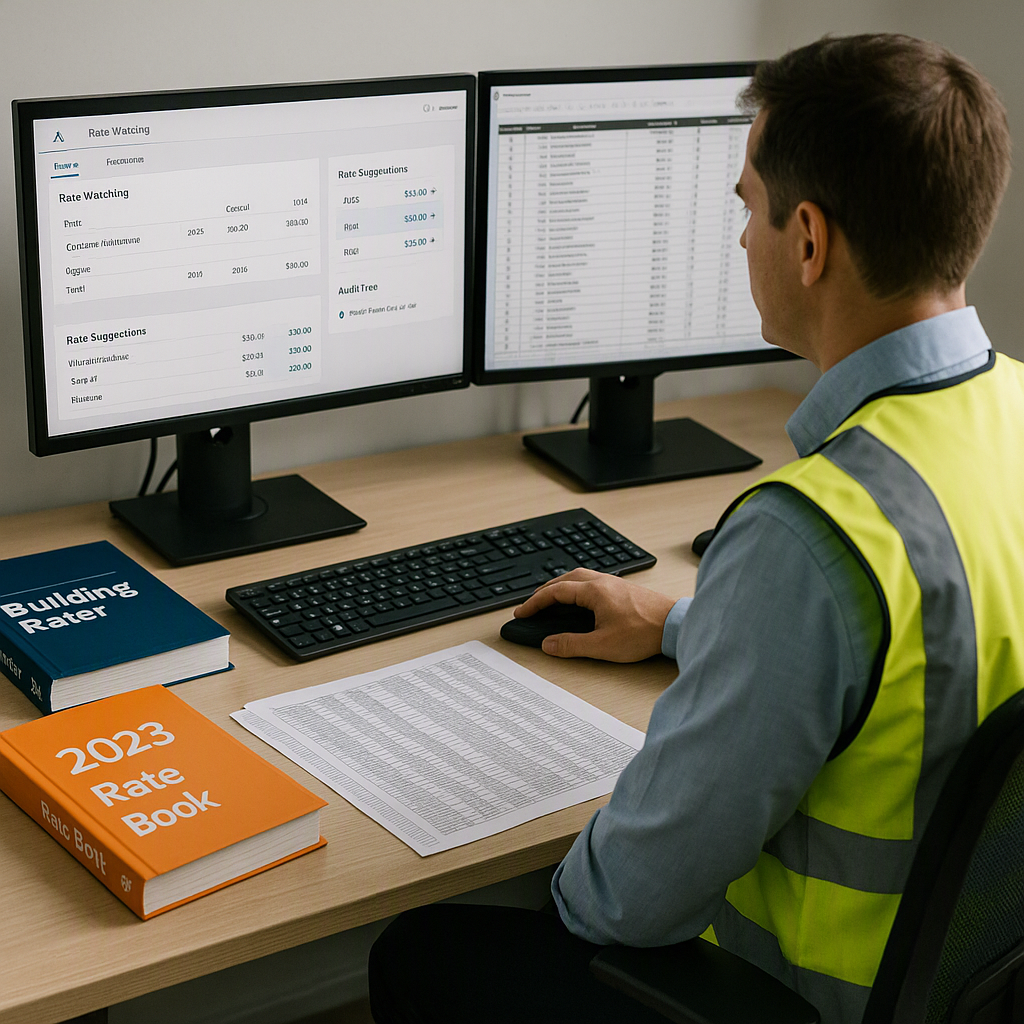
If you've ever had to flip through a 2,000-page rate book like RSMeans or CPWD DSR, you know how frustrating and time-consuming it is. One line item in the Bill of Quantities (BOQ) can send you down a rabbit hole of cross-checking rates, materials, labor breakdowns, and exclusions. And if the rates aren't accurate, the consequences are brutal: thinner margins, lost bids, or worse, a project you regret winning.
Manual rate lookup isn't just slow—it’s error-prone. You rely on gut feel or outdated spreadsheets that don't reflect real market conditions. Teams often spend hours pricing a mid-size estimate, only to find errors when it’s too late to fix them. That’s time you can’t afford to waste.
Why Manual Methods Persist
Manual rate lookup survives for two reasons: habit and skepticism. Estimators trust their own judgment and worry that AI won’t catch edge cases or custom materials. Plus, some firms don’t want to invest in new tools, even if the ROI is clear.
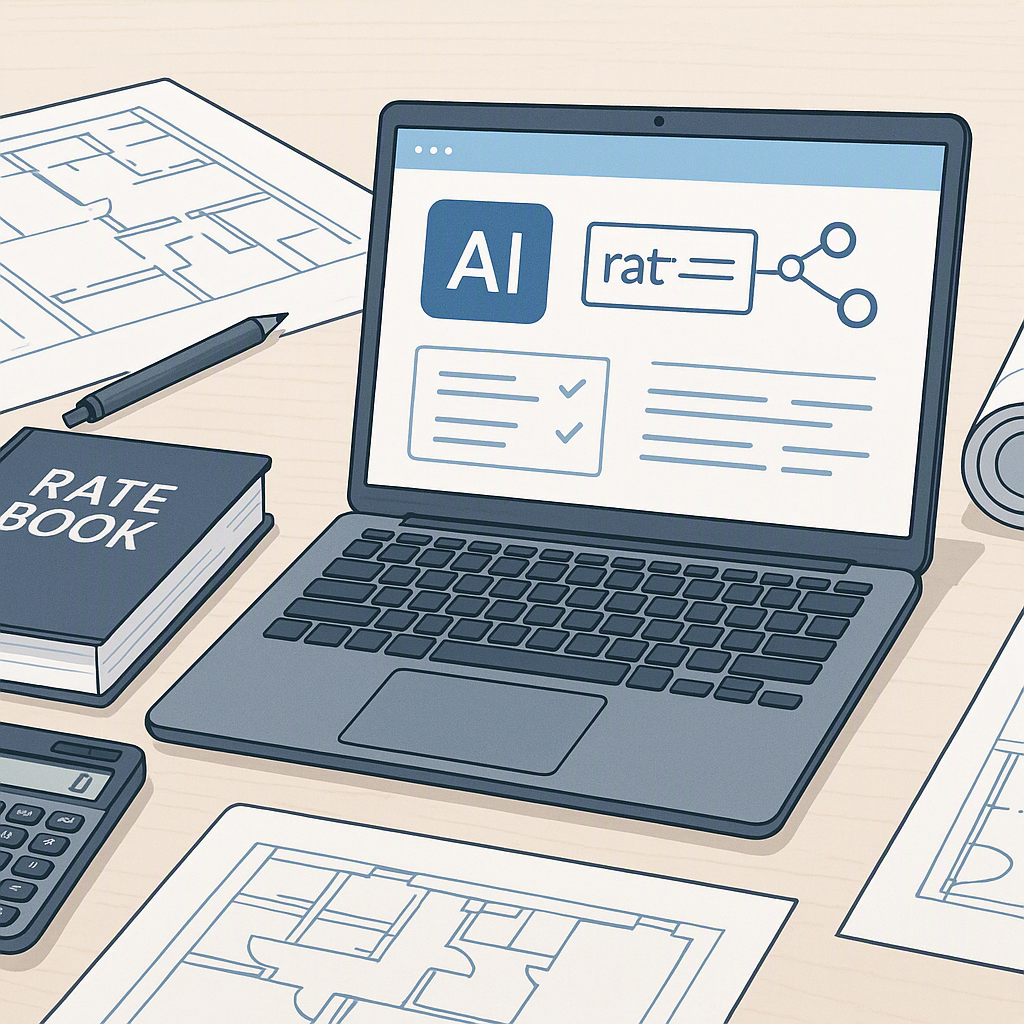
But here’s the thing: AI doesn’t replace human judgment—it enhances it. Tools for rate matching let you override matches, add custom items, and track changes with a full audit trail. The more you use them, the smarter they get, adapting to your preferences and market conditions.
How AI Rate Matching Works
AI-powered rate matching simplifies the process into four steps:
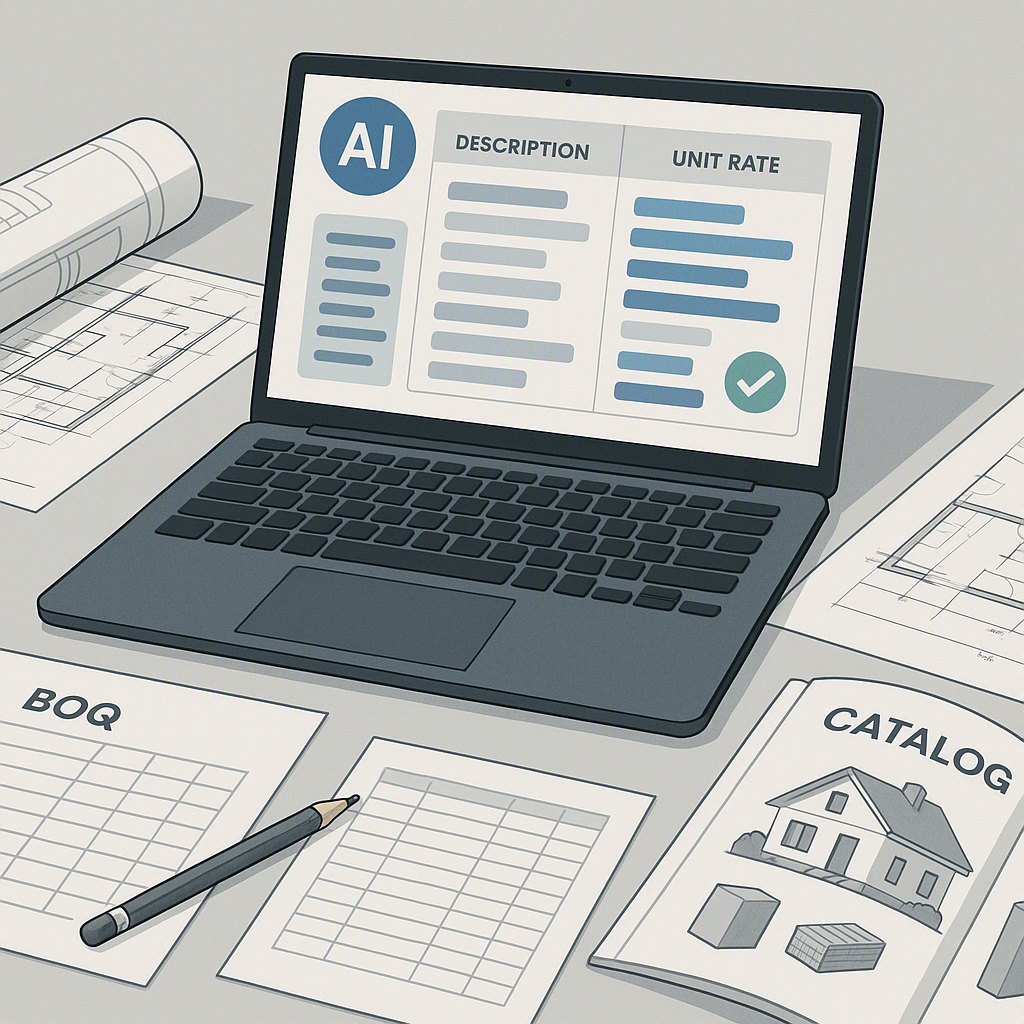
- BOQ Upload: You upload your BOQ (Excel, CSV, or PDF). The system automatically detects headers, hierarchies, and merged cells.
- Semantic Search: The AI scans its database of SOR items across multiple catalogs, including RSMeans, CPWD DSR, and state-specific schedules.
- Match Suggestions: The system suggests matches for each line item, providing the source of the rate for transparency.
- Custom Adjustments: You can add custom materials or finishes, and the AI integrates them seamlessly for future use.
Illustrative example — A contractor working on a project with hundreds of line items could use AI to match rates in a fraction of the time it would take manually. The system can flag discrepancies, such as mismatched labor rates or material costs, which would otherwise require significant manual effort to identify.
Common Objections
You might be thinking, “AI can’t think like an estimator.” That’s true—it doesn’t have your experience. But it doesn’t have to. AI handles the repetitive, data-heavy parts so you can focus on strategy, risk assessment, and negotiation. It’s not perfect, but it’s getting smarter every day.
Another concern is cost. While some tools can be expensive, there are options available at a range of price points, making them accessible to teams of various sizes.
What I Do Differently Now
For every new project, I start by uploading the BOQ into an AI-powered rate matching tool. The AI handles the bulk of the matching process, allowing me to focus on reviewing edge cases and custom items. This approach has freed up significant time for higher-value tasks like bid strategy and subcontractor negotiations.
What I’m Still Not Sure About
AI isn’t perfect. It struggles with niche materials or rates that haven’t been updated recently. That’s where human oversight is critical. But as more teams adopt these tools, their databases will grow richer and more accurate.
Call to Action
If manual rate lookup is draining your time and margins, AI-powered tools can help streamline the process and reduce errors. Consider exploring these tools to enhance your preconstruction workflows.