I Used to Think Manual Rate Matching Was the Safer Bet
For years, I believed manual rate matching was the only way to ensure accuracy in construction estimation. I’d seen too many bids blow up over mismatched rates or hidden discrepancies in vendor pricing. My logic was simple: if you want something done right, you do it yourself. AI tools? Too risky. They couldn’t possibly understand the nuances of a project the way an experienced estimator could.
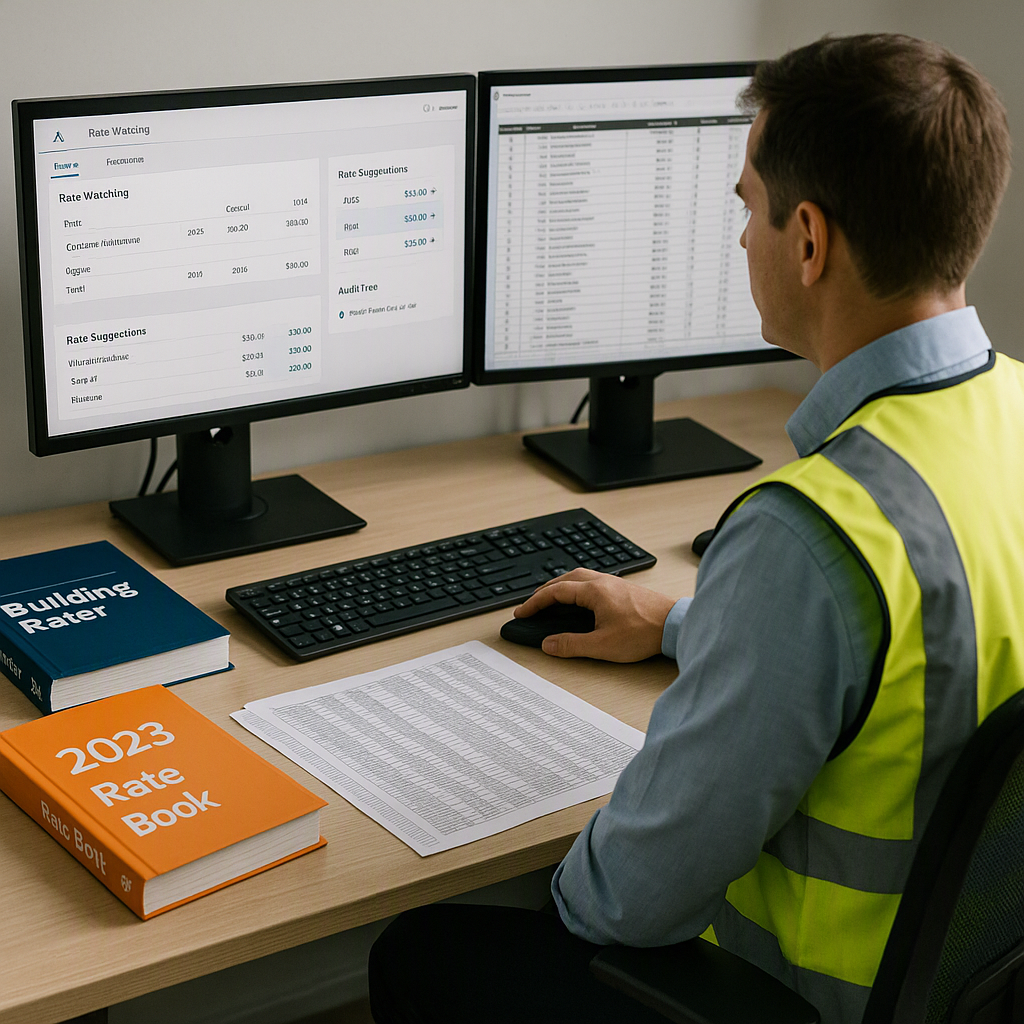
We’d spend hours flipping through CPWD DSR books or RSMeans PDFs. Sure, it was tedious, but at least we knew the numbers were correct—or so I thought. I was convinced that no algorithm could replace that level of attention to detail.
But then something changed.
The Turning Point: A Mid-Sized Bid That Nearly Broke Us
In mid-2025, we were working on a $40 million mixed-use project in Navi Mumbai. The BOQ came in late, and we had just 72 hours to lock down the estimate. Two of our estimators were already tied up on other bids, so the workload fell on me and a junior team member.
We spent the first 12 hours trying to match rates manually. By hour 13, it was clear we wouldn’t make the deadline unless we cut corners—and cutting corners meant risking errors. That’s when a colleague suggested trying an AI-powered rate matching tool.
Reluctantly, I uploaded the BOQ into EstimateNext, a platform developed by SoftNext Solutions Pvt. Ltd. Within seconds, it matched 90% of the line items to rates across CPWD DSR (Central Public Works Department’s Delhi Schedule of Rates) and our internal catalog. The remaining 10% required manual review, but even that felt manageable. What would’ve taken us 12 more hours was done in under 20 minutes.
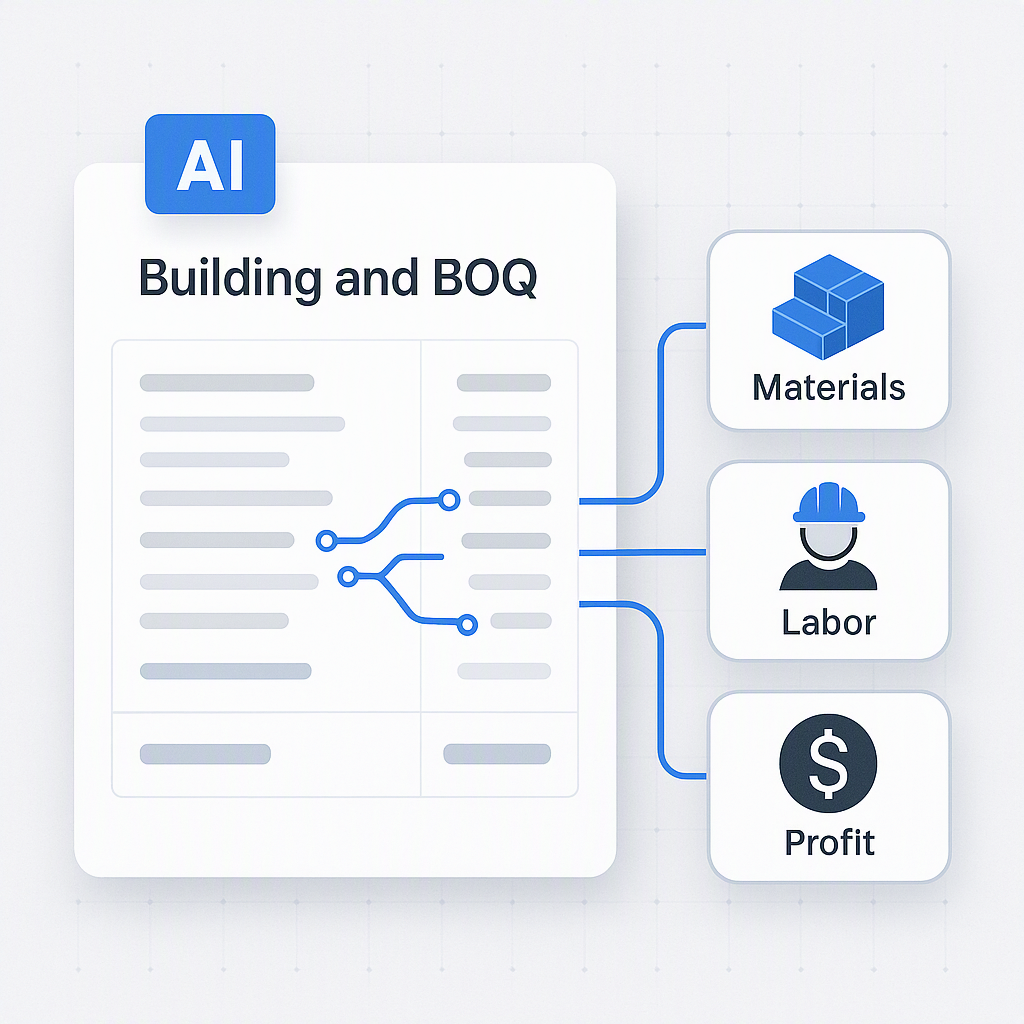
I was stunned—not just by the speed, but by the accuracy. Every rate was backed by a clear audit trail—materials, labor, equipment, everything. It wasn’t perfect, but it was close. Close enough to meet the deadline without sacrificing quality.
Why My Old Belief Held Up for So Long
Looking back, I can see why I clung to manual methods for so long. It wasn’t just about accuracy; it was about control. When you’ve been burned by bad data or poorly vetted quotes, you develop a mistrust of anything you didn’t personally verify.
There’s also a cultural aspect to it. In construction, we value experience over innovation. AI tools felt like a shortcut, and shortcuts don’t have the best reputation in this industry. Plus, early AI tools were clunky. They required extensive training, and their outputs weren’t always reliable.
But the technology has come a long way. Tools like EstimateNext now use semantic search to match rates across 78,000+ items in just seconds. They even learn from your adjustments, getting smarter with every project you price. It’s not about replacing estimators—it’s about amplifying their capabilities.
What I Do Differently Now
These days, I use AI-powered rate matching tools as a standard part of my workflow. Here’s how:
1. Start with AI, Finish with Human Oversight
I let the AI handle the initial rate matching and focus my energy on the exceptions. This saves me hours without compromising accuracy.
Actionable Tip: Prioritize reviewing high-risk or high-value line items manually. AI tools often flag low-confidence matches, so you can focus on these areas instead of reviewing everything.
2. Leverage Custom Catalogs
Many AI tools allow you to upload your own rate catalogs or integrate with existing ones. This ensures the estimates reflect actual project costs, not generic averages.
Actionable Tip: Regularly update your custom catalog with recent material costs, local labor rates, and equipment rental fees to keep your estimates as close to reality as possible.
3. Track Adjustments for Continuous Improvement
Every time I reject or adjust a rate, the system learns. By the third project, the accuracy improves significantly.
Actionable Tip: Use your AI tool’s reporting feature to track trends in your adjustments. For example, if you’re consistently increasing rates for a specific material, it might be time to update your baseline catalog.
4. Use Audit Trails for Transparency
AI tools provide detailed breakdowns of how rates are calculated. This makes it easier to justify costs to clients or negotiate with subcontractors.
Actionable Tip: Export these audit trails into PDFs or reports to include in your bid submissions. This level of transparency can set you apart from competitors.
5. Combine AI with Strategic Thinking
AI tools work best when paired with human judgment. For example, you can use AI to quickly identify cost drivers and then focus on optimizing or negotiating those areas.
Actionable Tip: Use AI-generated insights for value engineering discussions. Highlight areas where costs might be reduced without compromising quality.
Why Manual Rate Matching Falls Short
Time-Consuming Process
Manual rate matching is inherently slow. For large projects with hundreds or thousands of line items, this can mean days or even weeks of work. AI tools can process the same data in minutes, freeing up your team for other critical tasks.
Higher Risk of Human Error
Even the most experienced estimators can make mistakes when under pressure. Missing a single rate or miscalculating a subtotal can have cascading effects on your entire bid. With AI, every calculation is consistent and backed by an audit trail.
Opportunity Costs
Every hour spent on manual rate matching is an hour not spent on higher-value activities like refining your bid strategy, building client relationships, or exploring value engineering options.
Comparison: Manual vs. AI Rate Matching
| Feature | Manual Rate Matching | AI-Powered Rate Matching |
|---|---|---|
| Speed | Hours to days | Minutes |
| Accuracy | Prone to human error | Consistent, with audit trails |
| Scalability | Limited by team capacity | Handles thousands of items easily |
| Learning Curve | None | Improves with use |
| Cost | Labor-intensive (hidden costs) | Affordable, starting at $39/month |
Common Questions About AI Rate Matching
Q: Can AI tools handle custom or project-specific rates?
A: Yes. Most AI tools, including EstimateNext, allow you to upload custom catalogs or define rates for specific items. This ensures your estimates are tailored to the project.
Q: What if the AI gets it wrong?
A: That’s why human oversight is still essential. AI tools often include confidence scoring and manual override features, so you can review and adjust as needed.
Q: How long does it take to train an AI system?
A: Most users see significant accuracy improvements by the third project. The system gets smarter with every adjustment you make.
Q: Are AI tools expensive?
A: Not anymore. Tools like EstimateNext start at $39/month, which is a fraction of what traditional software like CostX or RSMeans costs.
Q: Do AI tools integrate with existing software?
A: Yes. Most platforms offer API integrations with popular tools like Procore, Autodesk Build, and Excel.
Decision Framework: Is AI Rate Matching Right for You?
| Question | If YES, AI is a Fit | If NO, Consider Manual |
|---|---|---|
| Do you manage bids with tight deadlines? | Speed is critical | Time may be manageable |
| Do your projects have thousands of line items? | AI scales easily | Manual effort may suffice |
| Do you frequently use custom catalogs? | AI supports custom rates | Manual updates may feel easier |
| Do you need transparency in cost justification? | Audit trails help | Manual notes may suffice |
| Are you seeking cost-effective solutions? | Affordable tools exist | Labor costs may be acceptable |
The Bottom Line
If you’re still relying on manual rate matching, you’re leaving time and money on the table. AI-powered tools like EstimateNext aren’t just faster—they’re smarter. They let you focus on the work that really matters, like winning more bids and maximizing margins.