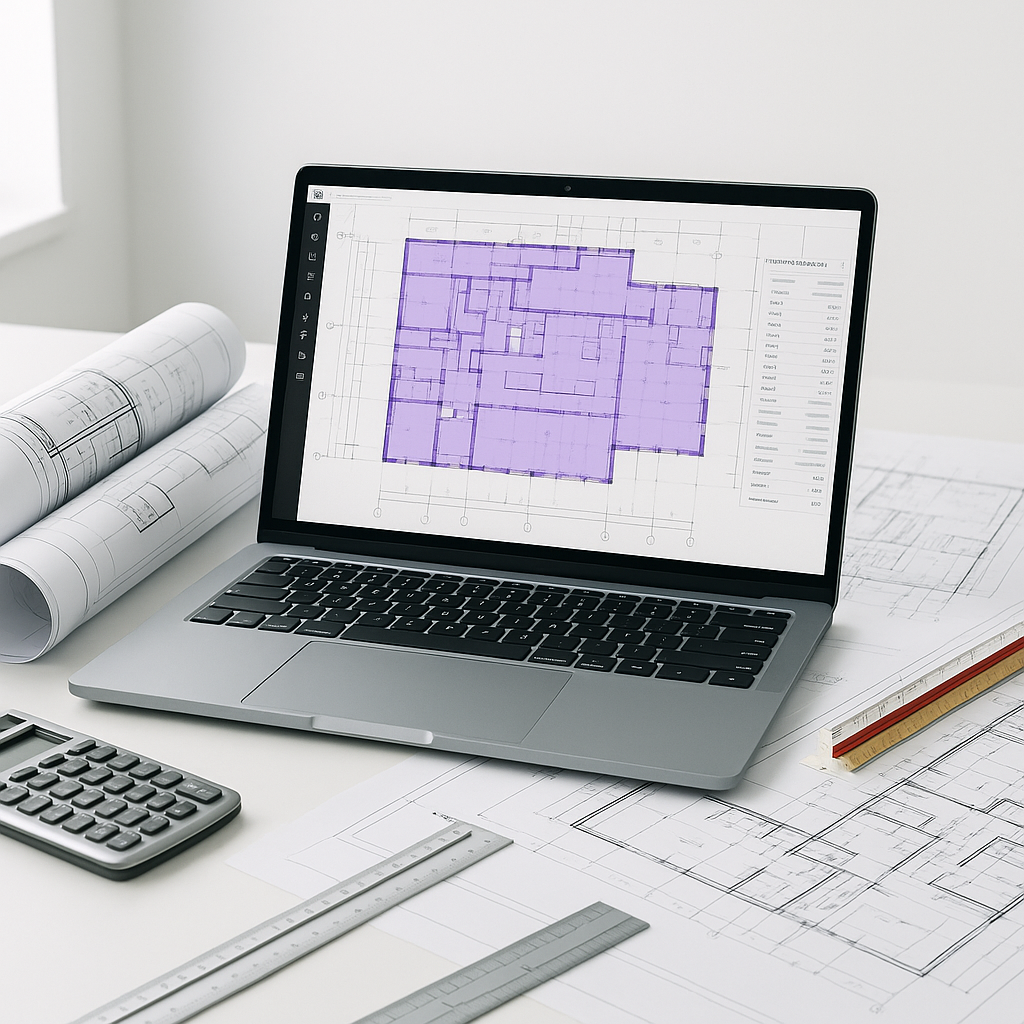
The Problem: Takeoffs Are a Time Sink
If you’re an estimator, you know the drill: print the drawings, grab your scale ruler, and start tracing. Maybe you’re using software like Bluebeam to speed things up. Either way, takeoffs can consume a significant amount of time. And if you miss a single dimension, it can lead to costly overruns.
This isn’t just about time—it’s about focus. Hours spent on manual takeoffs could be better utilized refining bid strategies or negotiating with subcontractors.
The Solution: AI-Powered Takeoffs
AI tools for preconstruction estimation can significantly reduce the time spent on takeoffs by automating repetitive tasks:
- Upload the drawings. PDFs, DWGs, or even scanned plans—AI can process various formats.
- Auto-extract quantities. Room areas, wall lengths, door/window counts, and other quantities are pulled directly from the drawings.
- Flag low-confidence items. The system highlights areas it’s unsure about, allowing for manual review.
Illustrative example — A construction team using AI for takeoffs on a large project was able to significantly reduce the time spent on this task, enabling them to focus on other critical aspects of their bids.
How It Works
- Prepare Your Inputs: Upload your drawings (PDF or DWG) and calibrate the scale if needed. Most AI tools simplify this step.
- Run the Takeoff: The AI scans the drawings to identify elements like walls, windows, and rooms. It then calculates quantities.
- Review the Results: The system flags any uncertainties. You can zoom into those areas, make adjustments, and finalize the numbers.
- Export to Your Workflow: Once you’re satisfied, export the quantities to Excel, Procore, or any estimating software you use.
What’s the catch? Quality input equals quality output. If your drawings are messy or inconsistent, the AI might struggle. However, even in such cases, it’s often faster to fix flagged items than to measure everything manually.
The Obvious Objection: “AI Can’t Think Like an Estimator”
True, AI doesn’t know why you’re adding a contingency for a tricky foundation. But it’s not designed to replace your expertise. AI handles the repetitive tasks—like takeoffs—so you can focus on strategic decisions. Think of it as a tool that complements your skills.
Common Mistakes to Avoid
- Skipping Calibration: If the scale isn’t set correctly, your quantities will be inaccurate.
- Blind Trust: Always review flagged areas. AI is fast, but it’s not infallible.
- Ignoring Training: While most tools are intuitive, a quick training session can save you time and ensure optimal use.
Final Thoughts
AI isn’t here to replace estimators—it’s here to make your job easier. By automating takeoffs, you can save time, reduce errors, and focus on the aspects of your work that add the most value. If you’re still spending significant time on manual takeoffs, it may be time to explore how AI can enhance your workflow.


