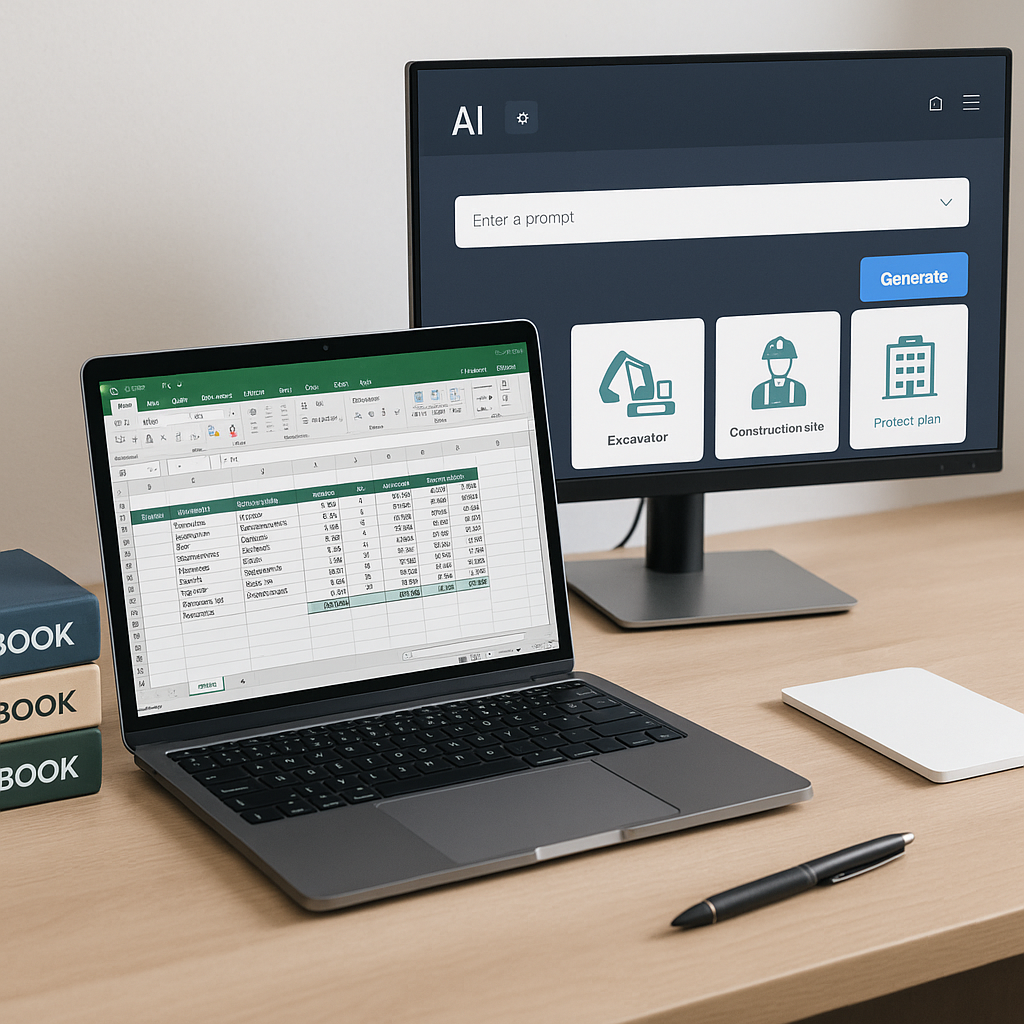
Stop Building BOQ Templates That Cost You Hours (and Thousands)
You know the drill. A project drops into your inbox, and the first thing you need is a Bill of Quantities (BOQ) template. If you're like most estimators, you’ve got a Frankenstein Excel file that sort of works but needs constant tweaking. Merged cells, broken formulas, inconsistent formats — not ideal.
But here's the real kicker: That template you spent hours perfecting? It’ll probably need rebuilding for the next project anyway. Why? Because Excel doesn’t think like a construction estimator.
The Hidden Costs of Excel BOQ Templates
Excel is powerful, sure. But it’s not built for the messy reality of construction estimation. Here’s what gets overlooked:
1. Rate Lookup Wastage
Unless you’ve memorized your rate books (and let’s be honest, nobody has), flipping through catalogs eats hours. For example, matching rates from CPWD DSR or RSMeans can take up to 12 hours per BOQ. If you’re dealing with a large project requiring hundreds of line items, this inefficiency compounds quickly.
A case study from a mid-sized GC firm shows that their estimators spent an average of 10-15 hours per project just ensuring rate accuracy. Multiply this by 20 projects a year, and you’ve got 200+ hours wasted annually.
2. Manual Fixes
Excel formulas are delicate. One small error, such as a misplaced cell reference, can cascade across the template. Imagine changing a labor rate for one item and discovering later that the dependent cells in multiple worksheets didn’t update correctly. That’s a nightmare scenario.
For example:
- Error Impact: A single miscalculation on material rates caused a $15,000 underestimation in a residential project bid.
- Recovery Cost: The firm had to eat the loss to maintain client trust.
3. Inconsistent Formatting
Every client has their own format preferences. Whether it’s CSI MasterFormat, NRM2, CPWD DSR, or custom layouts, Excel doesn’t auto-adapt. You’re left manually reformatting templates for each client, which eats into your productive hours.
A GC Director earning $130/hour wastes up to 40 hours per estimate, costing $5,200 per pursuit. Multiply that across 5 GMP bids a year, and you're losing $26,000. That’s money you could reinvest elsewhere. Source: EstimateNext
How AI Can Fix Your BOQ Workflow
Let’s talk solutions. AI-powered estimation tools like EstimateNext flip the script on BOQ creation. Here’s how:
1. Smart BOQ Parser
Instead of wasting hours cleaning up messy Excel files, AI tools automate the process. You upload your file (or even a PDF), and the AI auto-detects merged cells, section hierarchies, and headers. It rebuilds the structure in minutes. No manual cleanup. No wasted time.
2. Semantic Rate Matching
The AI searches over 78,000+ SOR (Schedule of Rates) items in seconds. Need to find “M30 concrete” or “HVAC duct installation”? The AI pulls the closest matches instantly, complete with material/labor breakdowns.
- Time Saved: A GC firm using EstimateNext reported reducing rate lookup times by 85%.
- Accuracy Improved: Semantic matching ensures the closest rate match, eliminating manual guesswork.
3. Real-Time What-If Scenarios
Let’s say your client wants to see the impact of swapping marble for granite. Instead of rebuilding formulas and rates manually, EstimateNext propagates changes across the workbook instantly, with an audit trail showing every adjustment. This is particularly useful for high-stakes bids where material swaps can drastically alter costs.
Case Study: A High-Rise Project
A general contractor working on a $20M high-rise construction project used EstimateNext’s AI tools. Their estimators reported:
- Saved Time: 40 hours per bid.
- Reduced Errors: Formula-related errors dropped by 95%.
- Improved Client Satisfaction: Faster turnaround times impressed their clients, leading to repeat contracts.
A Practical BOQ Template Framework
If you’re sticking with Excel (for now), here’s the least painful way to structure your BOQ:
1. Headers
Keep them consistent. Use clear section titles like “Earthworks,” “Concrete,” and “Finishes.” Avoid merged cells — they’re a nightmare for formulas and formatting.
2. Rate Columns
Break down rates into manageable components:
- Unit Rate: Include both material and labor costs for transparency.
- Quantity: Clearly isolated (no hidden formulas).
- Total: Linked directly to unit rate x quantity.
3. Inflation Adjustment
Add a column for year-over-year percentage increases. For example, if CPI increases by 3%, your template should calculate the adjusted rates automatically.
4. Cost Profiles
Include columns for overhead (%), profit (%), and wastage (%). These allow for quick adjustments if a client requests changes.
5. Output Formats
Save templates for different standards (CSI, CPWD, CESMM3). This avoids reformatting later and ensures you meet client-specific requirements.
Why This Still Isn’t Enough
Even with a clean template, you’re still stuck doing rate lookups manually. And every time you add a new column or change a formula, you risk breaking something. Estimators deserve better.
AI tools don’t just save time — they eliminate repetitive work. EstimateNext customers have reported saving 40 hours per bid, and some have even reduced quote turnaround from 3 days to 4 hours. That’s real ROI. Source: EstimateNext
Decision Framework: Excel vs. AI Tools
| Feature | Excel BOQ Templates | AI Tools (e.g., EstimateNext) |
|---|---|---|
| Rate Lookup | Manual; time-intensive | Automated; instant results |
| Formatting | Manual reformatting required | Auto-adapts to client standards |
| Error Management | High risk of formula errors | Minimal; built-in validations |
| Real-Time Adjustments | Complex; manual updates | Instant; automated propagation |
| Turnaround Time | 2-3 days per bid | 4-6 hours per bid |
| Cost | Free (but labor-intensive) | Starting at $39/month |
Call to Action
If you're tired of wasting hours on manual BOQ creation, EstimateNext can help. Get started free →


