The Problem with Manual Rate Lookups
Let’s be real—manual rate lookup is a nightmare. If you’ve ever had to flip through a 2,000-page RSMeans or CPWD DSR book to find a single rate, you know how much time it eats up. On average, estimators spend 12 hours per bid just finding and validating rates. Multiply that by 5-8 GMP pursuits a year, and you’re losing weeks of productivity.
Why Manual Rate Lookups Are So Inefficient
Rate books, whether physical or digital, aren’t exactly user-friendly. They’re dense, inconsistently formatted, and often lack intuitive search functionality. Even digital PDFs are clunky—searching for “concrete slab” might bring up 50 irrelevant results before you get to what you actually need. For example, RSMeans contains thousands of line items, but cross-referencing them with regional adjustments adds another layer of complexity.
And let’s not forget the human error. Misreading a unit, overlooking a regional adjustment, or pulling the wrong rate can throw off your entire estimate. For subs, this could mean underbidding and eating into already thin margins. For general contractors (GCs), it could mean overbidding and losing the project outright. Neither scenario is ideal.
Real-World Example of Manual Errors
In 2021, a mid-sized GC bid on a $25 million commercial project. Due to a misread rate for structural steel (off by $150/ton), their bid came in $400,000 lower than the nearest competitor. They won the job but ended up absorbing the cost difference—a painful reminder of how manual errors can have significant financial consequences.
Enter AI-Powered Rate Matching
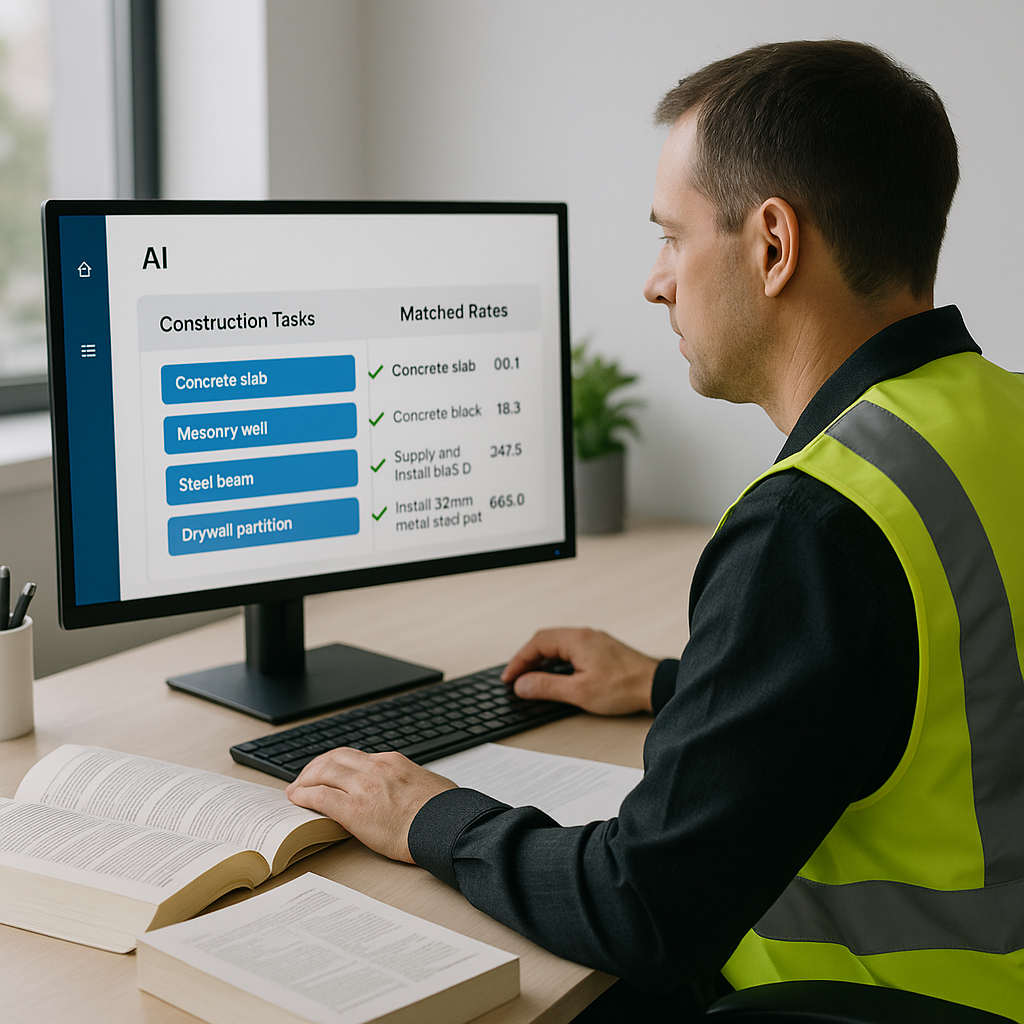
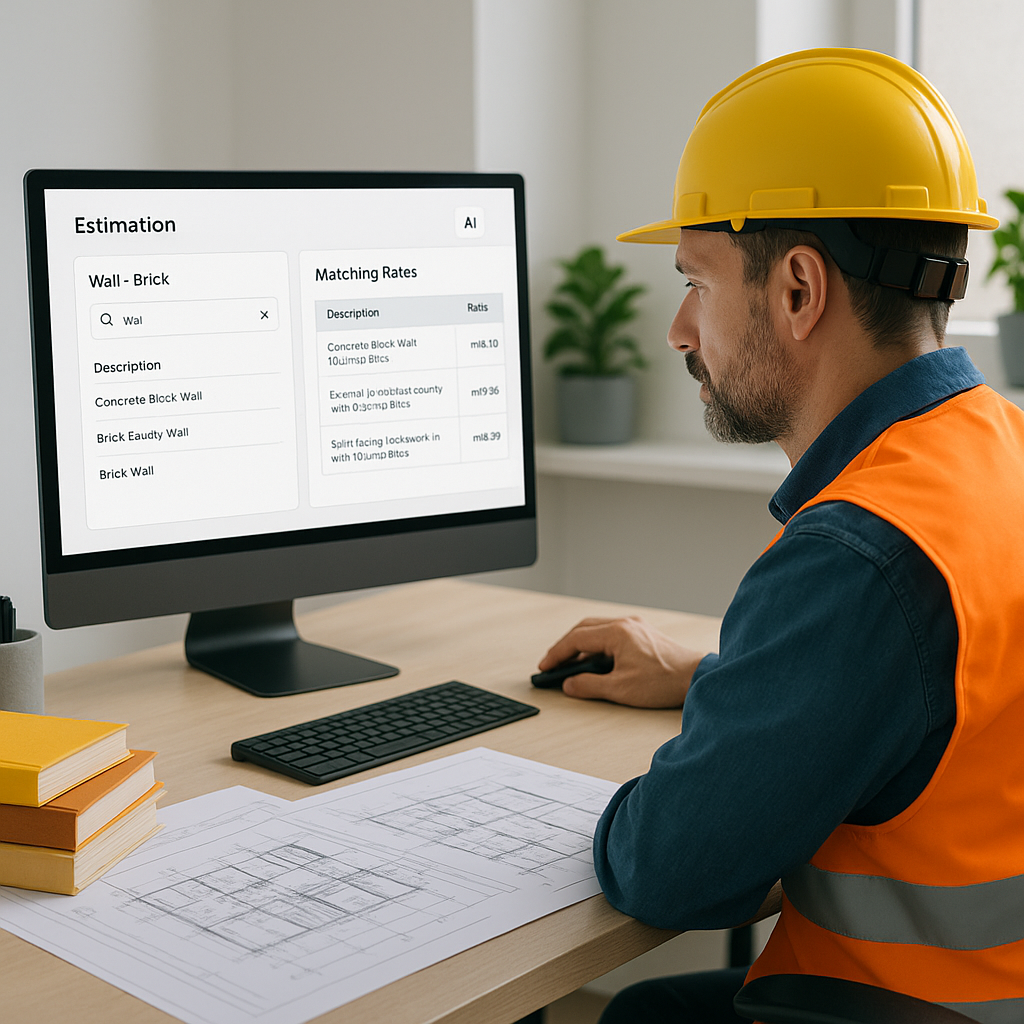
This is where tools like EstimateNext come in. AI-powered rate matching changes the game by automating one of the most time-consuming parts of estimation. Instead of flipping through physical books or slogging through PDFs, you simply upload your Bill of Quantities (BOQ). The AI scans it, identifies the items, and matches them to the correct rates in seconds.
How It Works
For example, let’s say your BOQ includes “200 cubic meters of reinforced concrete.” Instead of manually finding the rate for reinforced concrete in your region, the AI matches it to the most relevant line item in its catalog—whether it’s from RSMeans, CPWD DSR, or your own custom rate library. And if there’s no perfect match? The system uses semantic search to suggest the closest alternatives, so you’re never starting from scratch.
Case Study: AI in Action
A leading civil contractor used EstimateNext for a $10 million infrastructure project. Their BOQ had 1,200 line items, ranging from asphalt paving to precast concrete panels. Using traditional methods, rate matching would have taken 15 hours. The AI completed the task in under 20 minutes with 97% accuracy. After minor manual adjustments, the estimator finalized the bid in record time—saving nearly two full workdays.
Real Results: What You Can Save
How much time are we really talking about? According to EstimateNext’s case studies, users report saving 36 hours per bid when they combine AI-powered rate matching with automated takeoffs. That’s nearly a full workweek back in your pocket.
Breaking Down the Numbers
- Manual process: 12 hours for rate lookup × 5 bids/year = 60 hours/year
- With AI: 12 hours reduced to 15 minutes × 5 bids/year = 1.25 hours/year
That’s a 58.75-hour annual savings per estimator. If your team has 4 estimators, that’s 235 hours—or nearly 6 full workweeks—freed up to focus on higher-value tasks like bid strategy or subcontractor negotiations.
Financial Impact
Time is money, especially in an industry where margins often hover between 4-8%. Let’s assume an estimator’s hourly rate is $50. Saving 58.75 hours per estimator equates to nearly $3,000 in labor cost savings annually. Multiply that by a team of four, and you’re looking at $12,000 in direct savings—not to mention the indirect benefits of improved accuracy and fewer costly errors.
The Hidden Benefits
It’s not just about speed. AI-powered rate matching also boosts accuracy, consistency, and transparency.
Accuracy That Improves Over Time
Human estimators, no matter how skilled, are prone to error when they’re tired or rushed. AI doesn’t have that problem. It’s precise and learns from feedback. If you correct a rate or add a custom item to your catalog, the system remembers it for next time. By the third project, most users report a significant improvement in accuracy.
Consistency Across Teams
When multiple estimators work on different bids, inconsistencies in rate selection can arise. AI ensures everyone uses the same baseline data, reducing variability and improving overall bid quality.
Auditability and Transparency
With manual methods, it’s hard to show clients or stakeholders how you arrived at a specific rate. AI tools, on the other hand, provide a full audit trail. You can show exactly which catalog item was used, how it was adjusted for inflation, and what markup was applied. This builds trust with clients and reduces disputes down the line.
Addressing the Obvious Objection
You might be thinking, “Sure, AI is fast, but it doesn’t understand the nuances of my projects.” That’s partially true. AI doesn’t replace your expertise—it amplifies it. You’re still the one making judgment calls, negotiating with subs, and deciding on markup. The AI just handles the grunt work like rate lookups and matching. Think of it as having an extra set of hands, not a replacement for your brain.
How to Get Started
If you’re ready to stop wasting hours on rate lookups, start small. Test an AI-powered tool like EstimateNext on a single project. Here’s a step-by-step guide:
- Upload Your BOQ: Scan or upload your document in PDF, Excel, or another supported format.
- Review AI Suggestions: Let the tool match rates automatically. Review and adjust where needed.
- Compare Outputs: Compare the AI-generated estimate to your manual process to validate accuracy.
- Iterate and Improve: Provide feedback to the tool on incorrect matches. Over time, it will adapt to your specific needs.
Want to take it further? Integrate the tool into your existing stack. EstimateNext, for example, works seamlessly with Bluebeam and Procore, so you’re not overhauling your workflow—just improving it.
FAQs
Q: Can AI handle custom rates?
A: Yes. You can upload your own rate catalogs or define project-specific rates. The AI integrates them seamlessly for future use.
Q: What happens if the AI picks the wrong rate?
A: You can override any match manually. The system learns from your corrections and improves with every project.
Q: Is it worth the cost?
A: Absolutely. At $39-$99/month, tools like EstimateNext are 10-60X cheaper than traditional software like CostX or RSMeans. Plus, the time savings alone deliver a massive ROI.
Q: Do I need to be tech-savvy to use it?
A: Not at all. Most platforms are designed with ease of use in mind. Training typically takes under two weeks.
Q: Does it work for smaller projects?
A: Yes. AI tools scale to any project size, from a $1 million renovation to a $1 billion infrastructure bid.
Comparison Table: Manual vs. AI Rate Matching
| Feature | Manual Process | AI-Powered Process |
|---|---|---|
| Time per Rate Lookup | 10-15 minutes/item | 5-10 seconds/item |
| Error Rate | 5-10% | <1% |
| Consistency | Varies by user | Uniform across projects |
| Transparency | Limited | Full audit trail |
| Cost | Labor-intensive | $39-$99/month |
Call to Action
If you’re tired of losing 12 hours per bid to manual rate lookup, it’s time to let AI do the heavy lifting. Try EstimateNext for free →