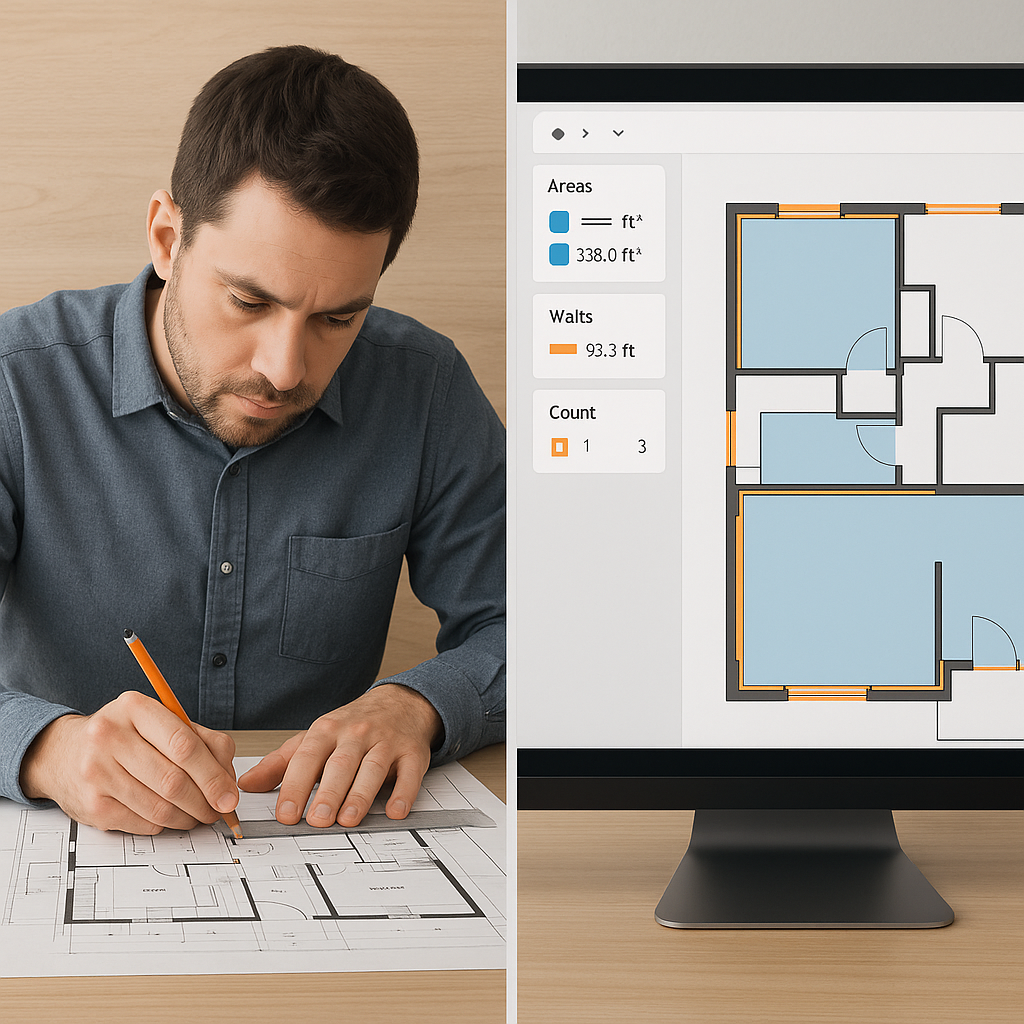
Why Are We Still Doing Takeoffs Like It's 1995?
If you're still spending 40 hours on manual takeoffs for every bid, I've got bad news: you're doing it wrong. With AI-powered tools, that same task can take 10 minutes. Yes, 10 minutes. And no, this isn't some overhyped tech promise—it works, and here's how.
Take the example of Vision AI from EstimateNext. This tool reads drawings, extracts quantities, and organizes them into a BOQ faster than you can grab a coffee. I’m talking about measuring room areas, counting doors, and sizing walls with precision—automatically. On a $1B rail project, this saved a mid-sized GC about 120 hours on a single bid. That’s 3 full workweeks. Think about what your team could do with that time.
The Real Problem: Estimators Are Wasting Their Talent
Let’s be real. Estimators aren’t hired to count tiles or trace foundation outlines. Their job is to strategize, analyze risks, and make decisions that win projects. But when 40% of their time goes into clerical work, how much strategy is getting done?
Here’s the kicker: manual takeoffs aren’t just slow—they’re error-prone. Miss a wall length or double-count a beam, and you’re either overbidding or underbidding. Both scenarios hurt. AI tools, on the other hand, offer confidence scoring. If the system detects uncertainty (e.g., a blurry line or an ambiguous drawing detail), it flags it for review. You get speed and accuracy, with human oversight where it matters.
Actionable Steps to Reclaim Your Time:
- Audit Your Current Workflow: Track how much time your team spends on manual takeoffs. Identify repetitive tasks that could be automated.
- Start Small with AI: Use free or trial AI tools on one project. Compare the time and accuracy with your manual process.
- Focus on High-Value Tasks: Use the time saved to refine bids, negotiate with subcontractors, or analyze project risks.
Example: A general contractor in California found that just by automating takeoffs, they freed up their senior estimator to spend 15 extra hours per week on bid strategy, resulting in a 20% higher win rate.
The Skeptics: “AI Can’t Think Like an Estimator”
I hear this argument a lot. “AI doesn’t understand the nuances of construction.” And sure, AI isn’t perfect. It won’t decide whether to use Grade 60 steel or Grade 75 rebar in a high-seismic zone. But that’s not the point.
The point is to automate the grunt work so you can focus on the high-value tasks. AI doesn’t replace expertise; it amplifies it. You’re still the one making judgment calls, negotiating with subs, and setting margins. The AI just gives you time back to actually do those things well.
Real-World Data:
- Error Reduction: According to a McKinsey report, companies using AI in construction saw a 70% reduction in estimation errors.
- Time Savings: AI tools typically decrease takeoff time by 80-90%, allowing estimators to handle more bids without sacrificing quality. Source: McKinsey
Pro Tip:
Pair AI tools with your existing expertise. For instance, if an AI flags an ambiguous detail, use it as an opportunity to double-check specs or request clarification from the designer. Think of AI as your assistant, not your replacement.
Case Study: From 10 Bids to 15 Without Hiring
A regional GC in Texas used EstimateNext to handle quantity takeoffs on a $108M water infrastructure project. Before switching to AI, their team of 4 estimators could barely manage 10 bids per month. After adopting Vision AI, they jumped to 15 bids—without hiring anyone. That’s a 50% productivity boost, purely from cutting manual takeoff time.
Why This Matters:
Winning more bids isn’t just about volume—it’s about quality. The extra time allowed this GC to:
- Refine their proposals, tailoring them to client needs.
- Run more detailed risk analyses, avoiding costly surprises mid-project.
- Negotiate better terms with subcontractors, increasing their margins.
Takeaway:
Even if you’re a small firm, scaling up your bidding capacity with AI can dramatically change your trajectory. More bids + better proposals = more wins.
What About Smaller Projects?
You might think AI is overkill for anything under $5M. It’s not. The same time savings apply whether you’re estimating a $1M renovation or a $1B bridge. Plus, AI tools scale with your needs. Got a one-off job? Use the free tier. Handling 50 bids a year? Go for a subscription—it’ll pay for itself after one saved bid cycle.
Compare the Costs:
| Scenario | Manual Takeoffs | AI-Powered Takeoffs |
|---|---|---|
| Takeoff time per project | 40 hours | 2-3 hours |
| Avg. cost of estimator time | $50/hour | $50/hour |
| Total labor cost per project | $2,000 | $100-$150 |
| ROI on AI tools | 0% | ~1300% |
The Obvious Objection: “What If the Drawing Is Garbage?”
Bad inputs equal bad outputs. That’s true for any system, AI included. But good tools account for this. For example, EstimateNext flags low-confidence areas for manual review. You can quickly remeasure problem zones without redoing the entire takeoff. It’s a hybrid model: automation where possible, human judgment where necessary.
Practical Tips for Handling Bad Drawings:
- Request Clarifications Early: Don’t wait until the last minute to ask the designer or owner for better-quality drawings.
- Use AI Confidence Scores: Let the tool flag areas that need extra attention, saving you from combing through everything manually.
- Train Your Team: Ensure your estimators know how to leverage these tools effectively, especially for reviewing flagged areas.
The Bottom Line
AI-powered takeoff tools aren’t just faster—they’re smarter. They save you time, reduce errors, and free your team to focus on what really matters: winning more bids. If you’re still doing manual takeoffs, it’s time to rethink your process.


